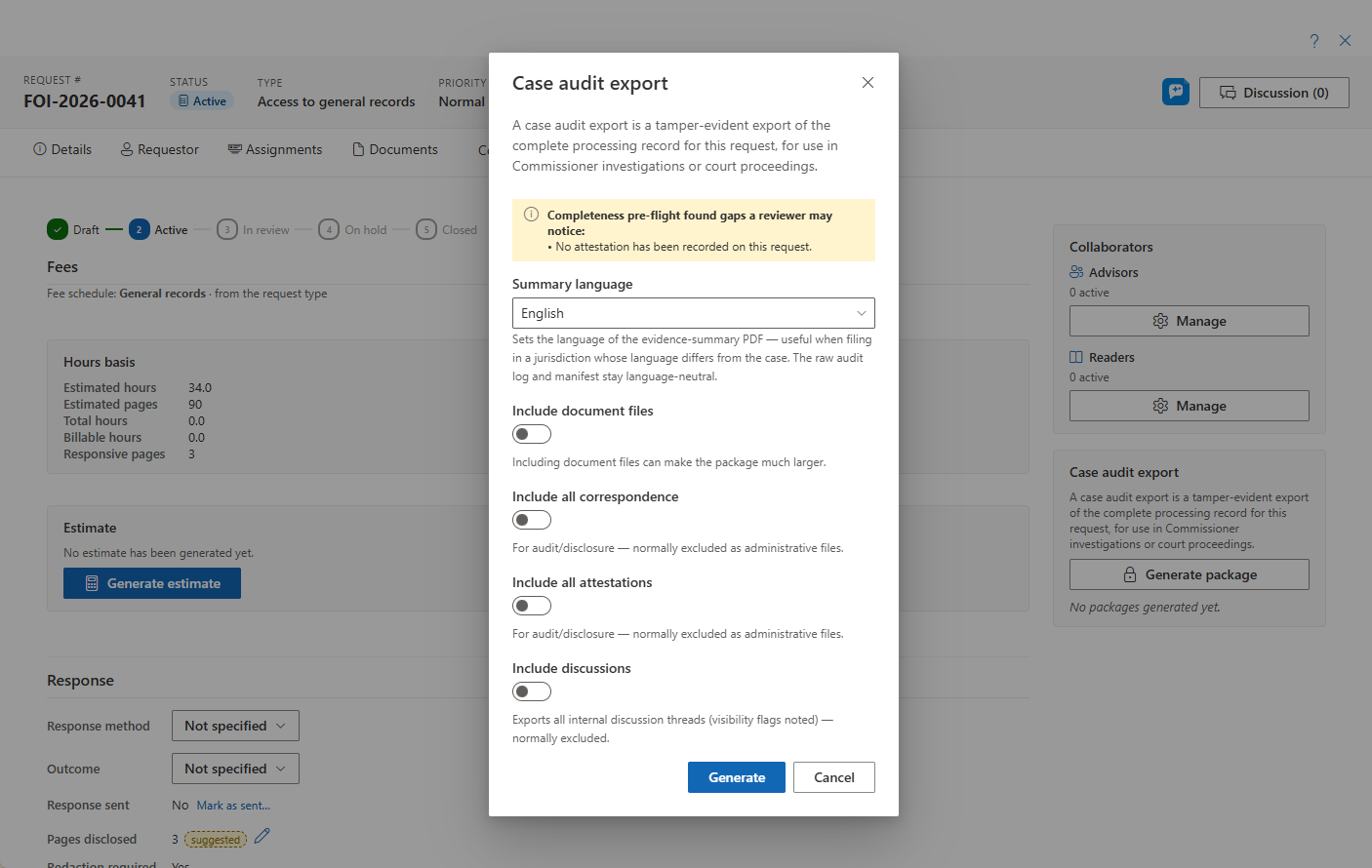
Response & fees tab — the next-step card, fees including the media review estimate, the response package with recordings, response method, closure with its completeness check, and the case audit export
Last updated: September 03, 2026 by Steve
Response & Fees
The Response & fees tab is where the request ends: send the response, settle the fees, record the outcome, and close. A next step card at the top reads the request's current state and says what typically comes next — activate a draft, wait on open assignments, send the response, record the outcome, or close — so you always know where the request stands.
Fees
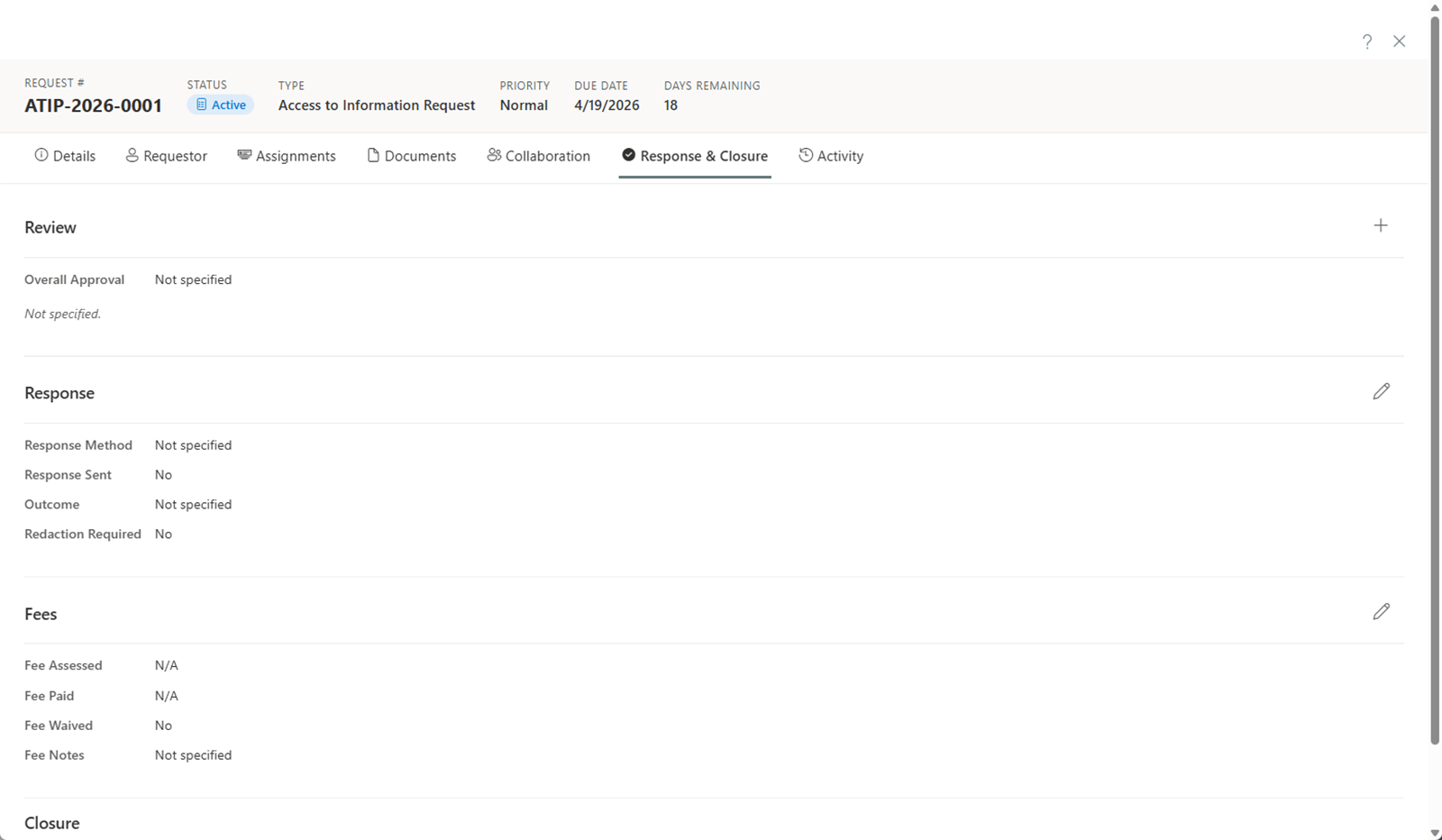
The Fee panel manages the money side of the request end to end: assess a fee, itemize it against your fee schedule, waive it (fully or partially), record payments against it, and finalize it. When a fee is assessed and unpaid, the panel can suggest a fee-pending clock pause so the statutory clock reflects the wait.
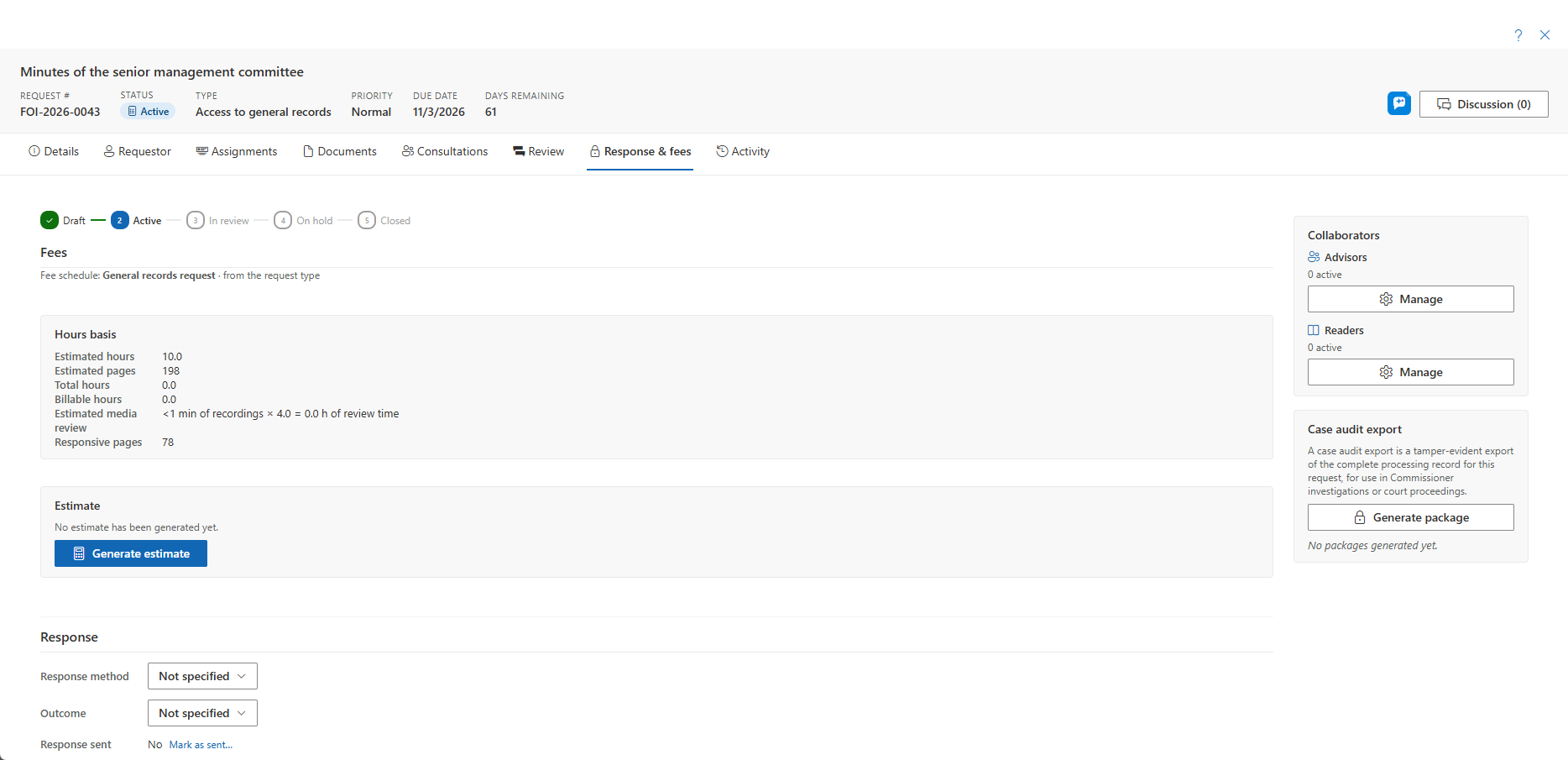
Media review estimate. When the request holds video or audio records, the hours basis shows an Estimated media review line: the recordings' total duration multiplied by your tenant's multiplier — four reviewer-hours per recorded hour by default, which an administrator can tune. Suggest media review line opens the Add-line dialog pre-filled with the basis and, where the fee schedule bills review time, the amount; you confirm or edit it before it is added. Time actually spent is logged under the Media review hours category the Universal baseline pack ships.
The Response Package with Recordings
The response package is assembled on the Documents tab's Response package sub-tab. When a package includes recordings, the pre-flight says so and generation runs in the background: Export history shows its progress and you are notified when it is ready. The package is a ZIP holding the PDFs, a Media/ folder with the rendered MP4 or MP3 files (marks burned in, with a record-label caption), a Files/ folder for native files released as-is, and a MANIFEST.sha256 listing every entry's hash — the office's proof of exactly what was released. Records that cannot be merged into a PDF are listed on the package's Other records page with their disposition. See Video & Audio Records.
Recording the Response
When the response is ready to send:
- Set the response method (e.g., email, mail, in person).
- Record the response-sent date.
Reviews and Approvals
If your workflow requires approval before the response can be sent:
- Add reviewers by clicking Add Reviewer and selecting the appropriate users.
- Each reviewer receives a notification and can review the response package.
- Reviewers approve or reject the response, with comments if needed.
- All reviewer decisions must be obtained before the request can be closed.
Closing the Request
Complete the Closure section: pick a closure reason — disclosed, disclosed in part, refused, transferred, and so on — add closure notes, and close. Choosing Transferred request reveals the receiving-institution fields and enforces the transfer deadline: an ATIA s.8 transfer is done here, not as a separate button.
The Close dialog runs a completeness check first — missing attestation, extensions without a reason, consultations without an outcome, redactions citing no exemption, unreviewed proposed redactions — shown as advisory findings, never a hard stop. Resolve them, or knowingly proceed.
A closed request becomes read-only; reopen it from the banner if you must make further changes.
Case Audit Export
When you finalize a request, you can generate a court-ready case audit export (formerly called the "evidence package") — an export drawn from the tamper-evident audit ledger that documents how the request was handled.
Completeness Pre-Flight
Generating a case audit export runs the same completeness pre-flight as the Close dialog. Before the export is produced, it flags anything that looks unfinished so you can resolve it — or knowingly proceed:
- Missing attestation.
- Extensions recorded without a reason.
- Consultations without a recorded outcome.
- Redactions that cite no exemption.
- Proposed redactions that were never reviewed.
AI Involvement Disclosure
When AI Assist is enabled, the case audit export also includes an ai-involvement.json file. This disclosure records exactly which AI features touched the request, how much, and what a person decided — giving you a defensible account of where AI was used and where human judgment applied.
The disclosure is built from usage metadata only. AI Assist runs on an Azure OpenAI resource in your organization's own Azure subscription and region: request content never leaves your tenant, Microsoft does not train its models on it, and the actual prompt and response content is never retained anywhere. Every AI output along the way was a suggestion or an editable draft that a person reviewed and decided on.