
My Day — the prioritized personal feed (default landing tab).
Last updated: October 20, 2026 by Steve
My Day
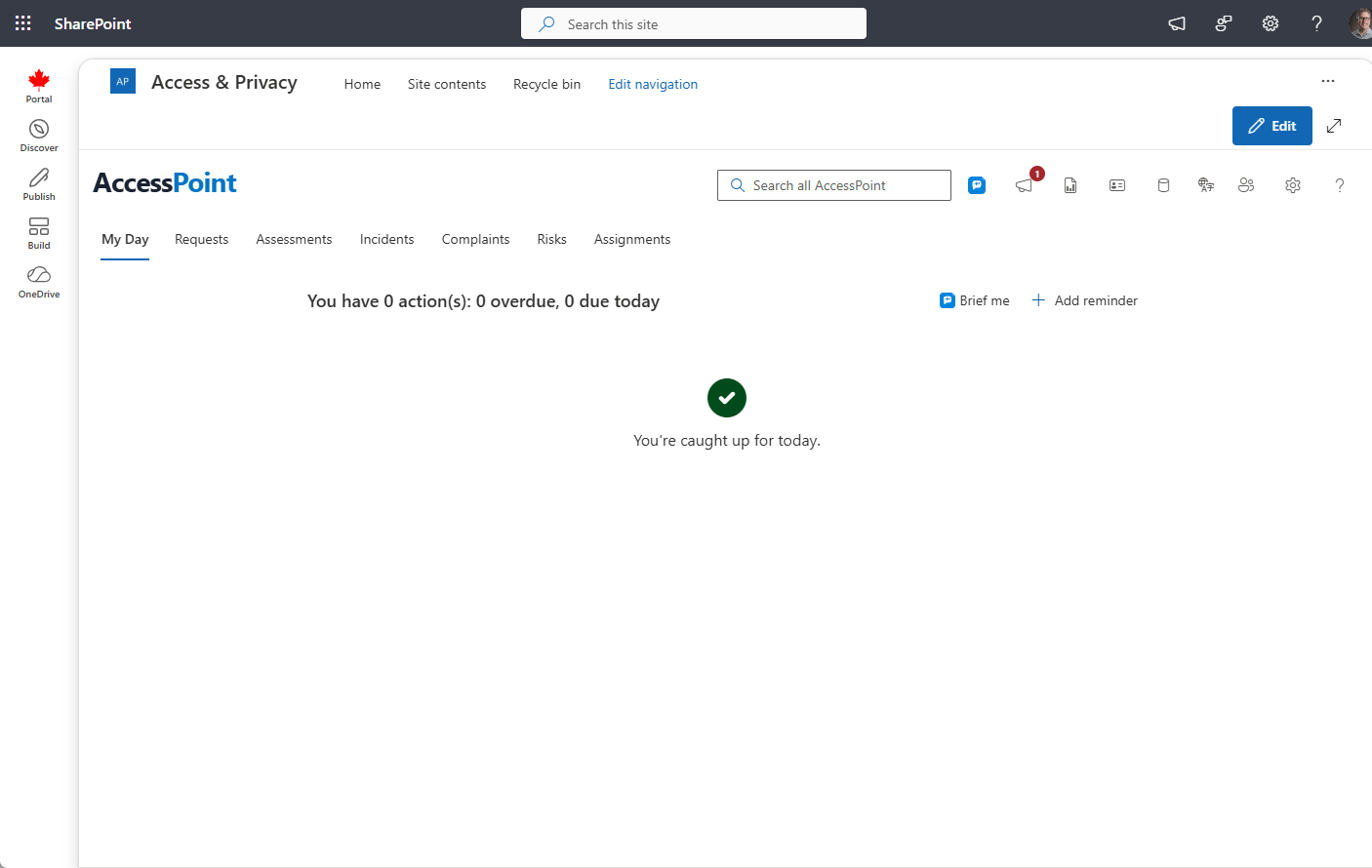
My Day is the personal, server-computed feed AccessPoint opens to by default — a single prioritized list of the concrete next action for every request, assignment, task, review, consultation, correspondence follow-up, assessment, risk, commitment, complaint, intake hold, portal submission awaiting triage, and approval that is waiting on you.

The Action Buckets
My Day does not store tasks of its own — it computes the next action across every module and groups the results into four urgency buckets, shown in this order:
| Bucket | Meaning |
|---|---|
| Overdue | Past its statutory or committed date — act now |
| Due today | Falls due today |
| Due soon | Approaching its date |
| Needs action | No hard date, but waiting on you (a review to run, a hold to release, a draft to activate) |
Each row is a plain-language verb-object title (for example, "Finalize request 2026-0142 — due today") with an icon keyed to the action type. Only the first few items per bucket show by default — use Show more to expand one.
Catching Up
A Catching up strip appears automatically at the top of My Day whenever your caseload has something worth a second look — overdue requests, deadlines falling within the next seven days, and machine-proposed redactions still awaiting your review. It costs nothing to render, needs no AI, and simply disappears once your slate is clean. It's a different thing from the Brief me card below: Catching up is automatic and always-on; Brief me is an on-demand AI summary you ask for.
Click, Act, Return
Click any action and the relevant request or entity detail panel opens in place, right inside My Day, so you never lose your list. Some actions deep-link across tabs instead — a complaint action opens the Complaints dashboard, an assessment section assignment opens its own panel — but the pattern is always the same: click, act, return. Complete the work and close the panel; My Day refreshes and lands you on the next action.
You can also create your own reminders with Add reminder. Reminders, and the follow-ups that rules create for you, appear here as they come due.
Your Work Comes First
The urgency buckets (and any overdue reviews) sit at the top of My Day. Below them are the groups that help you get set up and keep learning:
- Finish setting up AccessPoint — administrators only; see below.
- Get started — a short checklist for your role. See Get started.
- Assigned training — training paths assigned to you, and team exercises you have been invited to. Select Join exercise to open train mode at the exercise's case. See Team exercises.
While you have work waiting, Finish setting up and Get started start collapsed to one line, so they never push your actions out of sight; on a day with no work, such as your first day, they start open. Collapse or expand any of these groups yourself and AccessPoint remembers your choice in this browser.
Follow-ups and Reminders
Open follow-ups and reminders, and upcoming ones that fall due soon, appear in the urgency buckets with their case number. Click one to open its case; Done, Skip and Snooze work right on the row. If a follow-up rule could not find anyone on the case to assign a follow-up to, people who can configure follow-up rules see it as Unassigned follow-up on cases they can open — assign it with Reassign under …, or act on it. See Follow-ups.
Setup Reminders (Administrators)
On a fresh tenant, users who can manage configuration see guided setup actions in their own Finish setting up AccessPoint group, below the work: import a jurisdiction pack, add your team and assign roles, choose which languages are available, configure notifications and the sender mailbox, set your organization name, and upload letterhead and document templates. Clicking one opens the matching Settings panel. Each reminder can be dismissed, and most disappear for every administrator as soon as the step is done, so a team of admins never chases completed steps. Choosing the languages is the organization's decision, so dismissing that step clears it for every administrator; dismissing any other step hides it only for you.
System Health (Administrators)
When the database behind AccessPoint is under strain, administrators see a System health card at the top of My Day. It shows the status (Needs attention or Urgent), what raised it and when, the recommended next size, and links to Open System health, the database in the Azure portal and the sizing guide. The card disappears on its own once the readings that raised it are more than 24 hours old. Acknowledge hides it for you only — handy right after you have scaled the database up. It comes back if the database is under strain again in a later hour, if the status becomes Urgent, or after 7 days; other administrators keep seeing it until they acknowledge it themselves. See System health.
Pinned Report Tiles
Reports you pin render as live tiles in a grid above the action buckets — saved custom reports (pinned from the custom-reports home or Report Studio) and built-in report sections (pinned with the toggle on any row of the Reports panel) together. Most figures carry a period-over-period arrow (green when the movement is good, red when it isn't, gray for neutral demand metrics), and figures needing attention are colour-coded (red for overdue counts and poor on-time rates, amber for warnings). When a tile can't fit every figure, a small +N chip appears — hover it to see the hidden stats. Each tile's menu sets its size (Small / Medium / Large / Extra large), chooses where it appears (My Day, the Reports home, or both), or unpins it. Clicking a tile opens the full report. See Reports for the full tile catalogue and pinning mechanics.
Brief Me
When AI Assist is enabled, a Brief me card summarizes your action feed in a few sentences with the top items pulled forward. It runs on demand only — the action feed below it remains the authoritative list.
For the in-app activity feed that complements My Day, see Notifications.