
Relevance options — configuring document relevance classifications
Last updated: March 29, 2026 by Steve
Relevance Options
Relevance Options define how documents are classified for responsiveness during the review process.
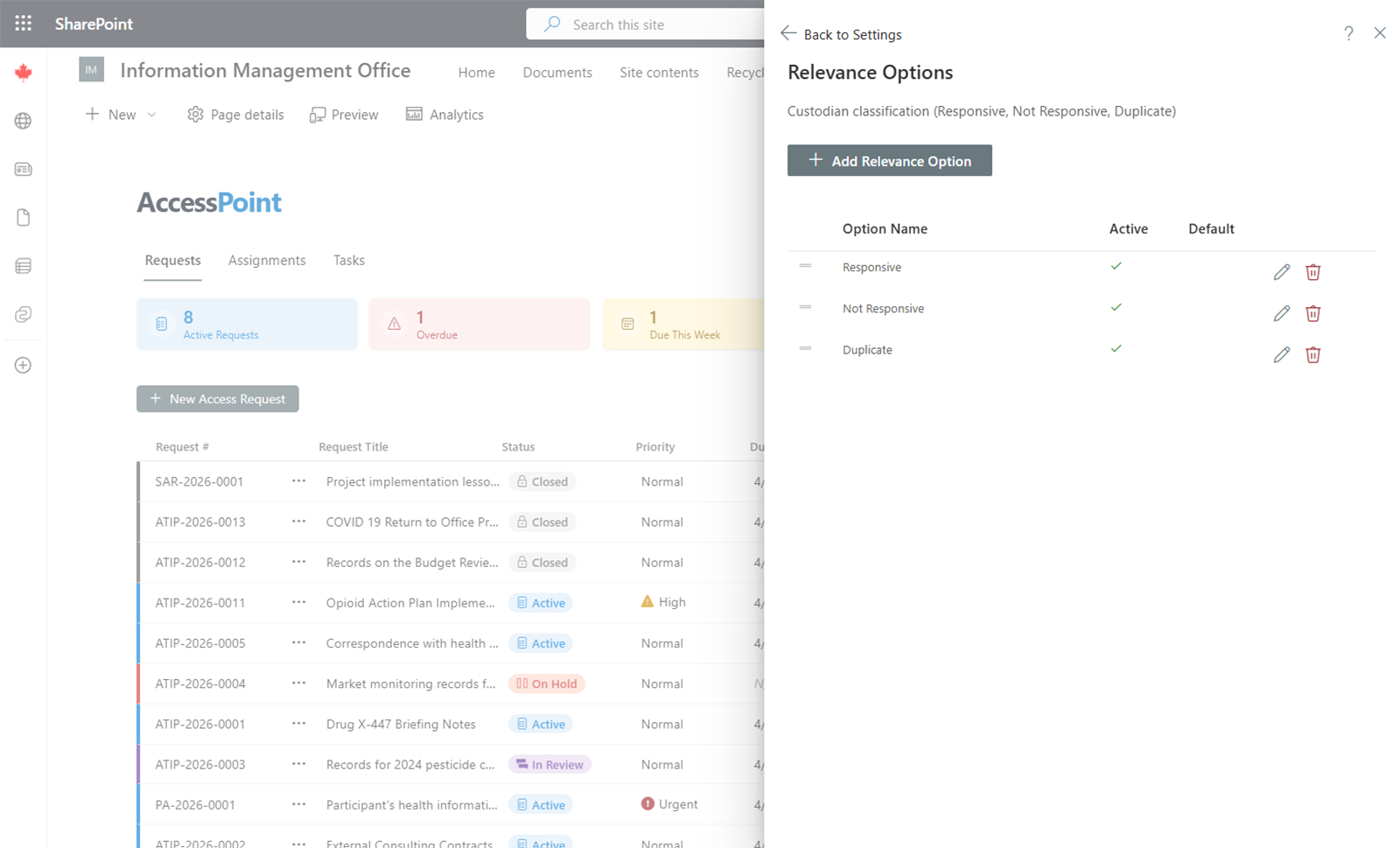
Common Relevance Options
- Responsive — The document is relevant to the request and should be included in the response
- Not Responsive — The document is not relevant to the request
- Duplicate — The document is a duplicate of another responsive document
- Not within scope — The document falls outside the scope of the request
Managing Relevance Options
- Add — Click Add Option, enter the name (and translations if multiple languages are enabled), and save.
- Edit — Click on an existing option to update it.
- Remove — Delete options that are no longer needed.
Usage
During document review, reviewers assign a relevance classification to each document. This determines whether the document is included in the final response package and feeds into reporting on responsive vs. non-responsive document volumes.