
Ask AccessPoint — a read-only AI assistant scoped to one case, with statute-aware grounding, clickable citations, saved conversations, and a Draft this letter action; plus the My caseload mode (AI Assist, optional)
Last updated: October 20, 2026 by Steve
Ask AccessPoint (Case Assistant)
Ask AccessPoint is a read-only AI assistant scoped to a single case. An Ask about this case button appears on request, incident, complaint, assessment, and audit detail views and opens a chat panel that answers questions about that one case — and nothing else.
The assistant is part of AI Assist, an optional capability. The button only appears when your organization has deployed AI Assist. If you don't see it, AI Assist isn't enabled for your tenant — ask your administrator.
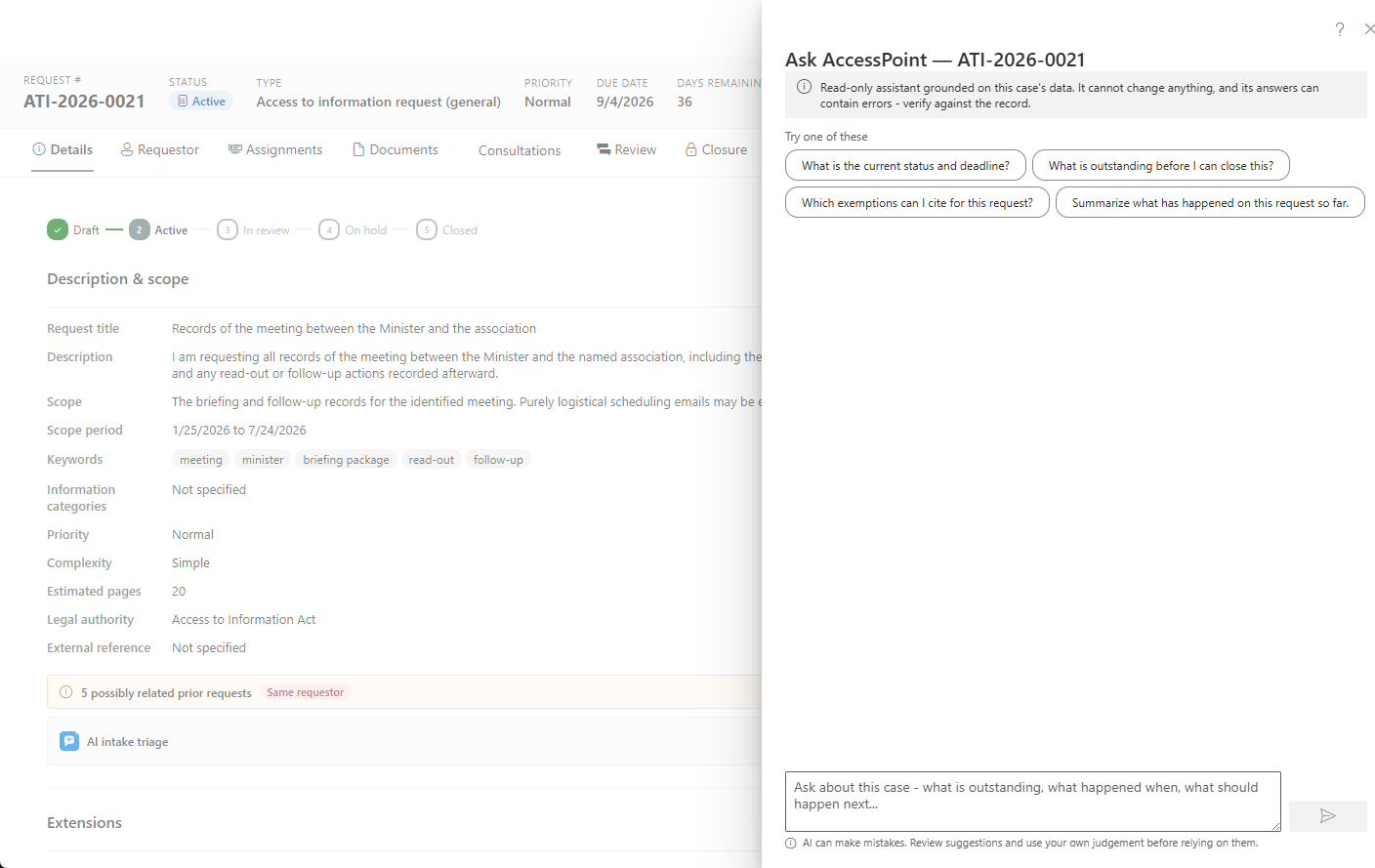
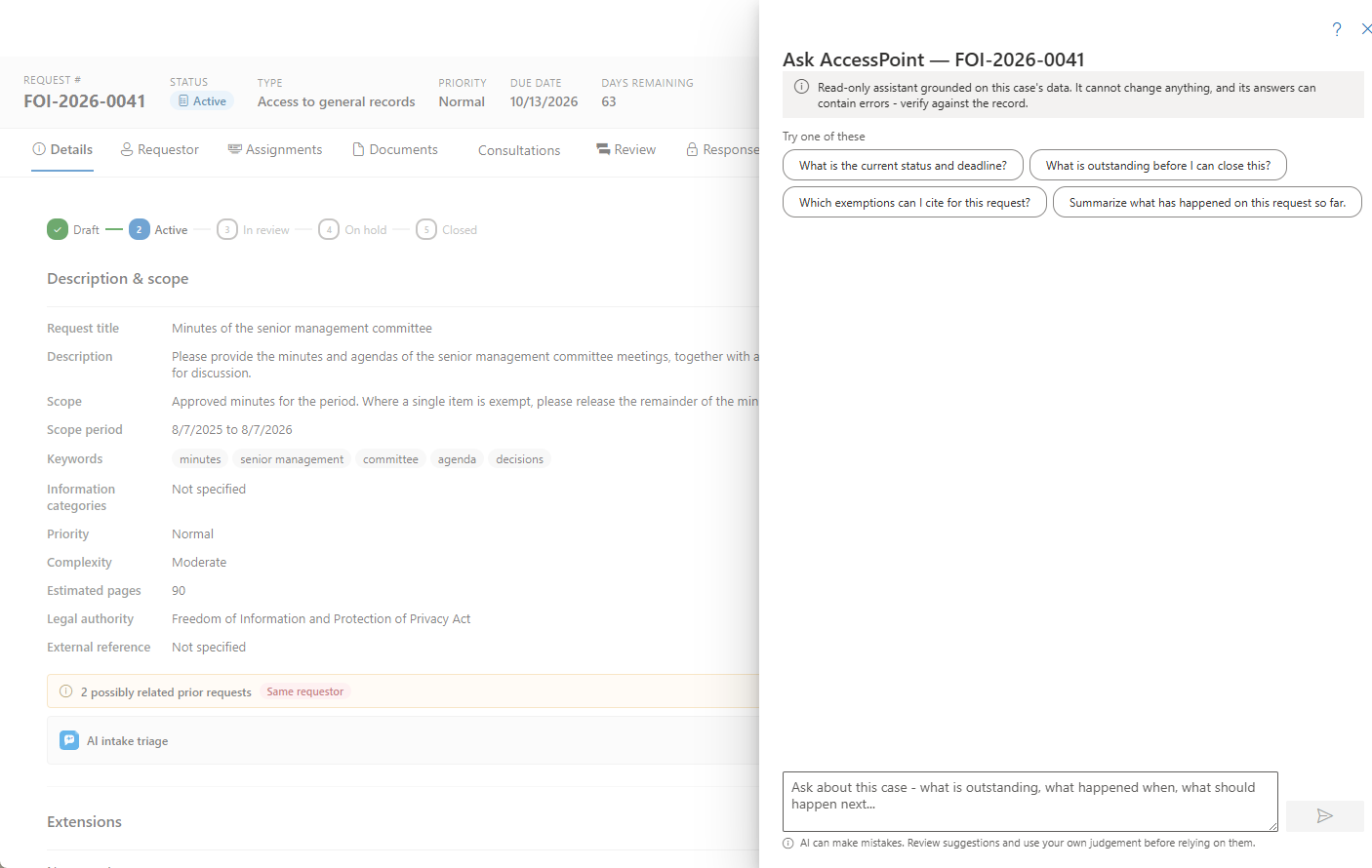
What you can ask
The assistant reads the case in front of you and answers in plain language. For example:
- "What's outstanding before I can close this?"
- "Summarize the consultations on this request."
- "Which documents still need review?"
- "What are the key dates, and is anything overdue?"
It draws only on the current case — its record, tasks, documents, consultations, and history. To get you started, it offers context-aware suggested questions drawn from the case in front of you.
Grounded, cited answers
The assistant's answers are anchored to the case's own facts, and it shows its work:
- Clickable citations — each answer links back to the tab or record it drew on, so you can jump straight to the source.
- Statute-aware grounding — for questions about withholding, it cites the case's governing legislation and the exemptions actually applied, never invented section numbers. (This is the complement to the jurisdiction playbook, which grounds its "how do we handle X" process answers.)
What it can and can't do
- It's read-only. The assistant never changes anything on its own — it can't edit fields, advance status, or apply redactions.
- It points you to the right screen. When an answer involves an action you'd take, it names the tab or panel where you'd do it.
- Draft this letter. The one action it offers is a convenience, not an automation: ask it to draft correspondence and it surfaces a one-click Draft this letter that prepares an editable draft in the correspondence composer — you review, edit, and send. Nothing is sent automatically.
- It remembers your conversation. Your chat is saved so you can resume it later (see the privacy note below). A conversation about a case is deleted with the case, and one about no case is deleted after a period without activity that your administrator sets.
- A person always decides. Every answer is guidance, not an instruction the system acts on.
My caseload
Beyond a single case, the tenant-wide Ask AccessPoint assistant has a My caseload mode that answers questions across your own open work — "which of my requests are at risk this week?", "how should I prioritize today?" — grounded only on the cases assigned to you. Like the case assistant, it is read-only and points you to where to act.
The reporting Ask AccessPoint on the custom-reports home and My Day is a separate use of the same assistant — it builds report definitions from a plain-language question, and is offered only the registers you can open. See Reports.
Privacy and responsible AI
AI Assist runs on an Azure OpenAI resource in your organization's own Azure subscription and region:
- Data at rest never leaves your tenancy, and where inference is processed is your organization's deployment-time choice (global, or bounded to the EU/US data zone). Microsoft does not train its models on your content.
- For AI features generally, prompts and responses are not stored — only usage metadata, visible per record on the Activity tab's AI assist filter. Ask AccessPoint is the one exception: it saves your own chat transcript — private to you — solely so you can resume the conversation later. You can delete a conversation at any time; one about a case is deleted when the case is deleted or purged, and one about no case is deleted after a period without activity set beside the token usage meter in Settings → Features (365 days by default; 0 keeps it until its user deletes it). A deleted conversation also stops feeding question mining at once.
- Answers are grounded in the case's own facts and its governing legislation; the assistant does not invent details or section numbers.
AI Assist and its individual features are enabled under Settings → Features. For how AI capabilities are configured tenant-wide, see the Features administrator page.