
Working with others on a request — advisors and readers, the discussion thread, and formal consultations
Last updated: August 11, 2026 by Steve
Collaboration
Two collaboration surfaces run across a request, and they do different jobs. The Discussion button in the request header opens a thread for internal back-and-forth with your own team. Separately, the advisors and readers model grants named colleagues scoped read access to the request itself — which is how a request is shared with people outside the core team without exposing everything.
Formal consultations with third parties or other institutions are a different thing again, and have their own Consultations tab.
Advisors and Readers
Advisors and readers are managed from the request's response and closure area, in the Collaborators card.
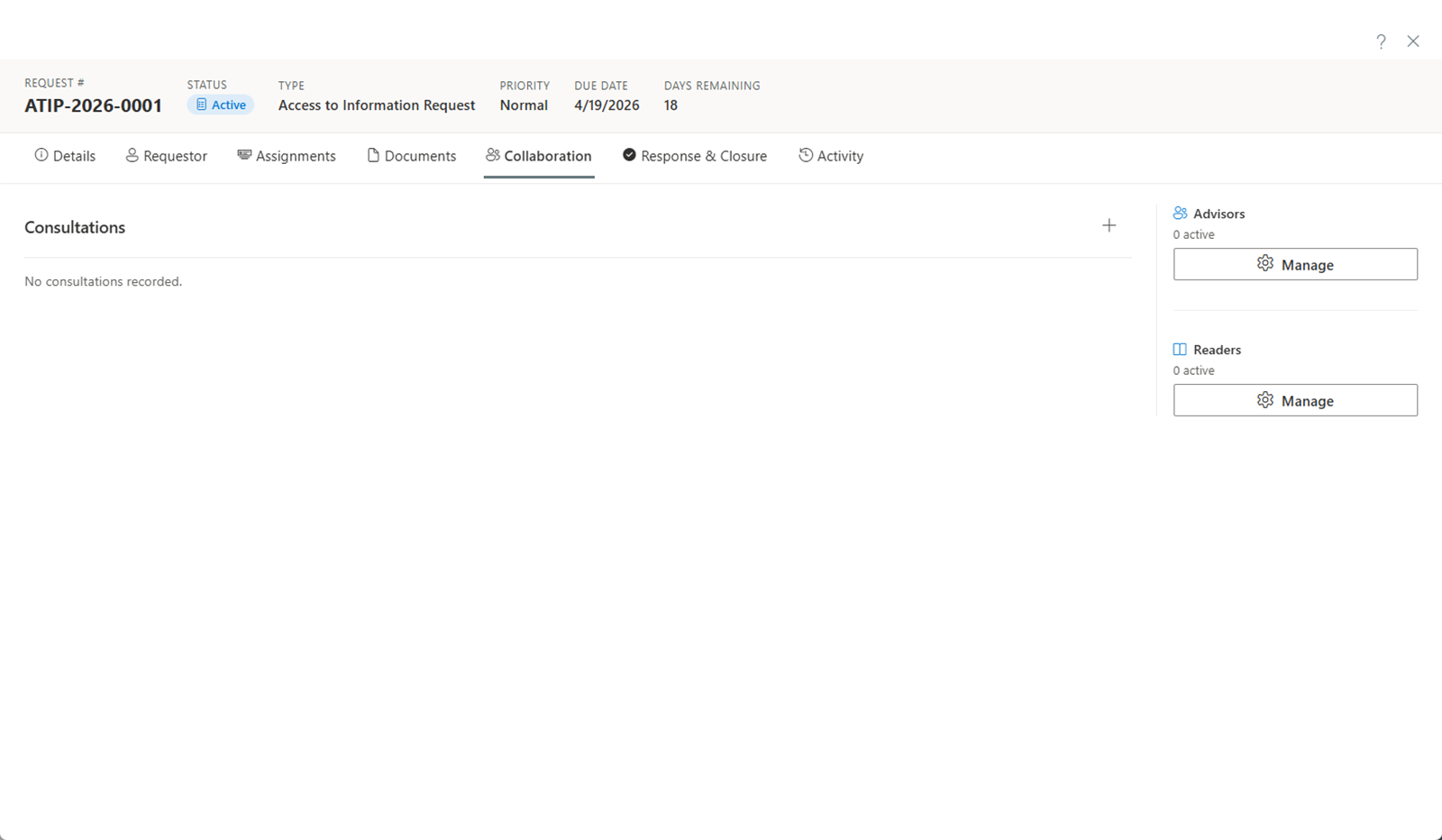
- Advisors consult on the case. They have read-only access plus the ability to view and flag redactions for discussion — an advisor never applies a redaction themselves.
- Readers have read-only access for oversight or reference. They can see request details but cannot make changes.
Click Manage on either section to add someone. Choose the user, pick the role, and set whether they may view documents.
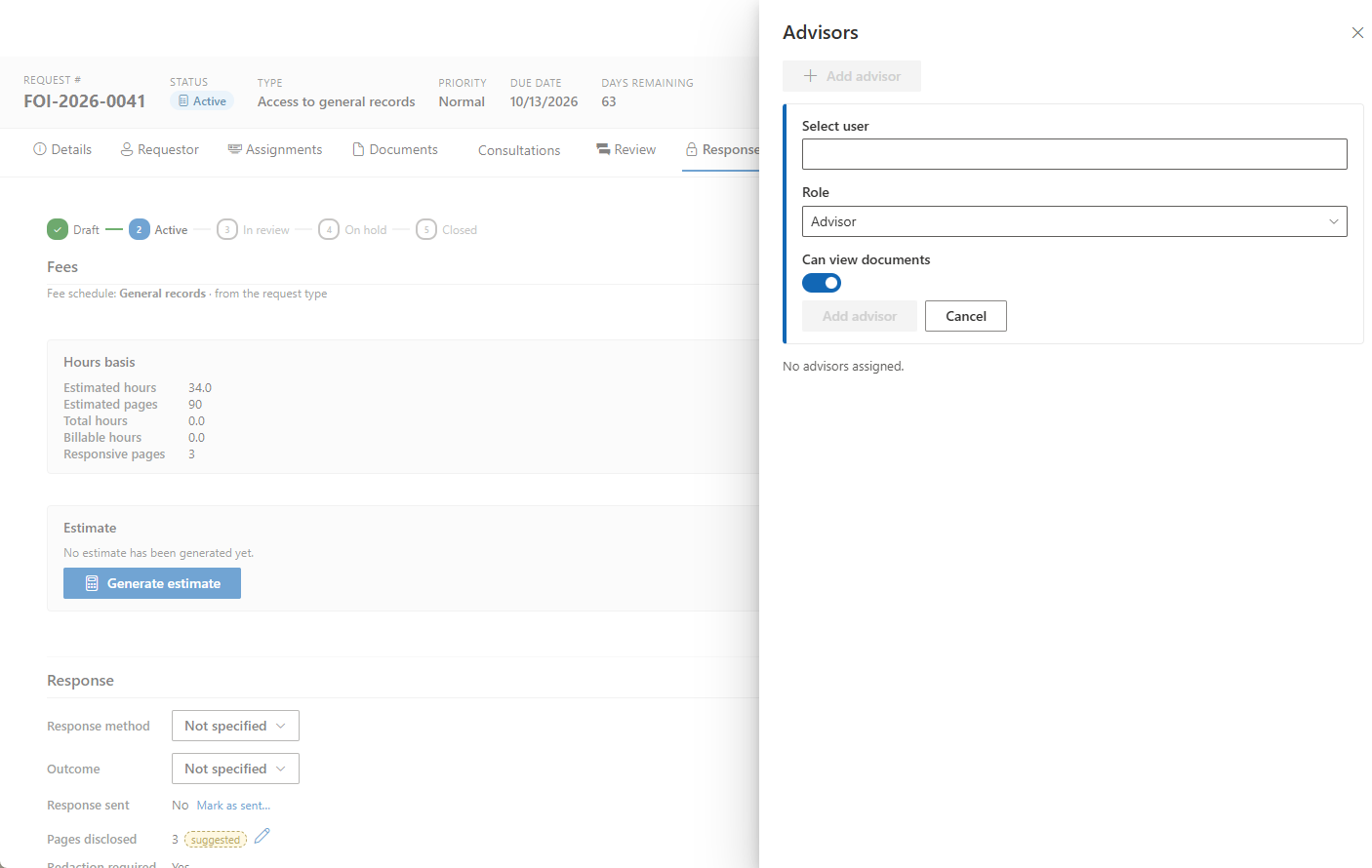
That document-visibility choice matters: advisors and readers see the Documents workspace read-only, or the message "Documents have not been shared" until a coordinator opens it to them.
Advisors and readers also work from sanitized content. Like custodians and contributors, they see only what they need in order to do their job, and never the requestor's name, email, or other personal information.
Discussion
The Discussion button in the request header opens a thread anchored to that request, for internal back-and-forth. The button shows the current thread count, so you can see at a glance whether a conversation is already running.
Discussion events also appear on the Activity feed as links back into the thread. The audit trail therefore records that a conversation happened and where to find it, without the conversation itself having to live in the activity log.
Consultations
Formal consultations — with a third party, another government department, or an external agency — are managed on the request's Consultations tab, and are tied to statutory windows.
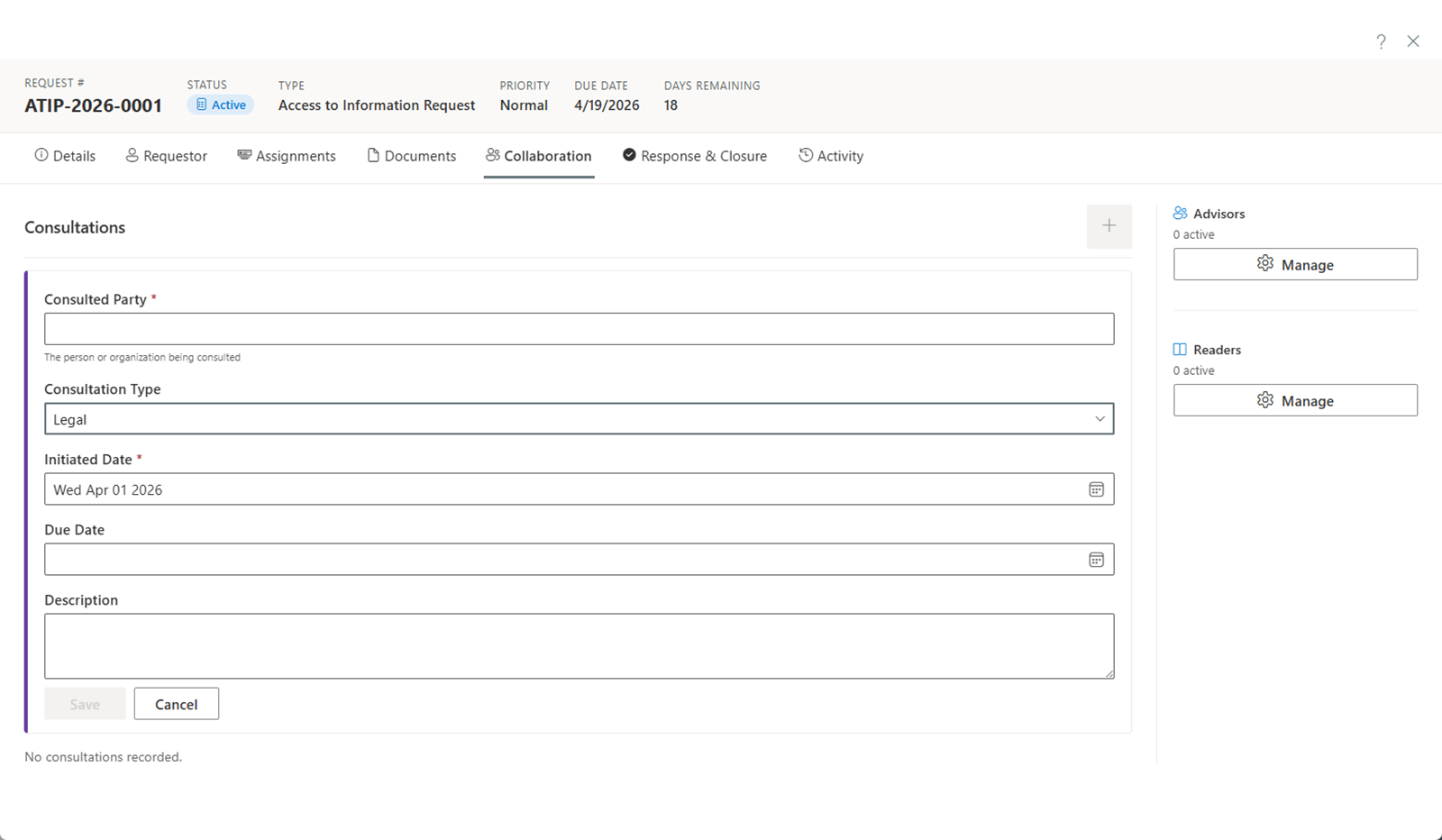
To add one, open the Consultations tab and click the + button:
- Set the consulted party. Search your contacts by name, organization, or email to link a reusable contact — which reuses their details and gives you their consultation history — or simply type the party name.
- Select the consultation type.
- Confirm the initiated date. This one is required.
- Set the response due date.
- Add a description of what input is needed.
- Click Save.
For the full picture — the statutory clock, parties and their positions, correspondence, recording the outcome, and re-consulting — see Consultations.