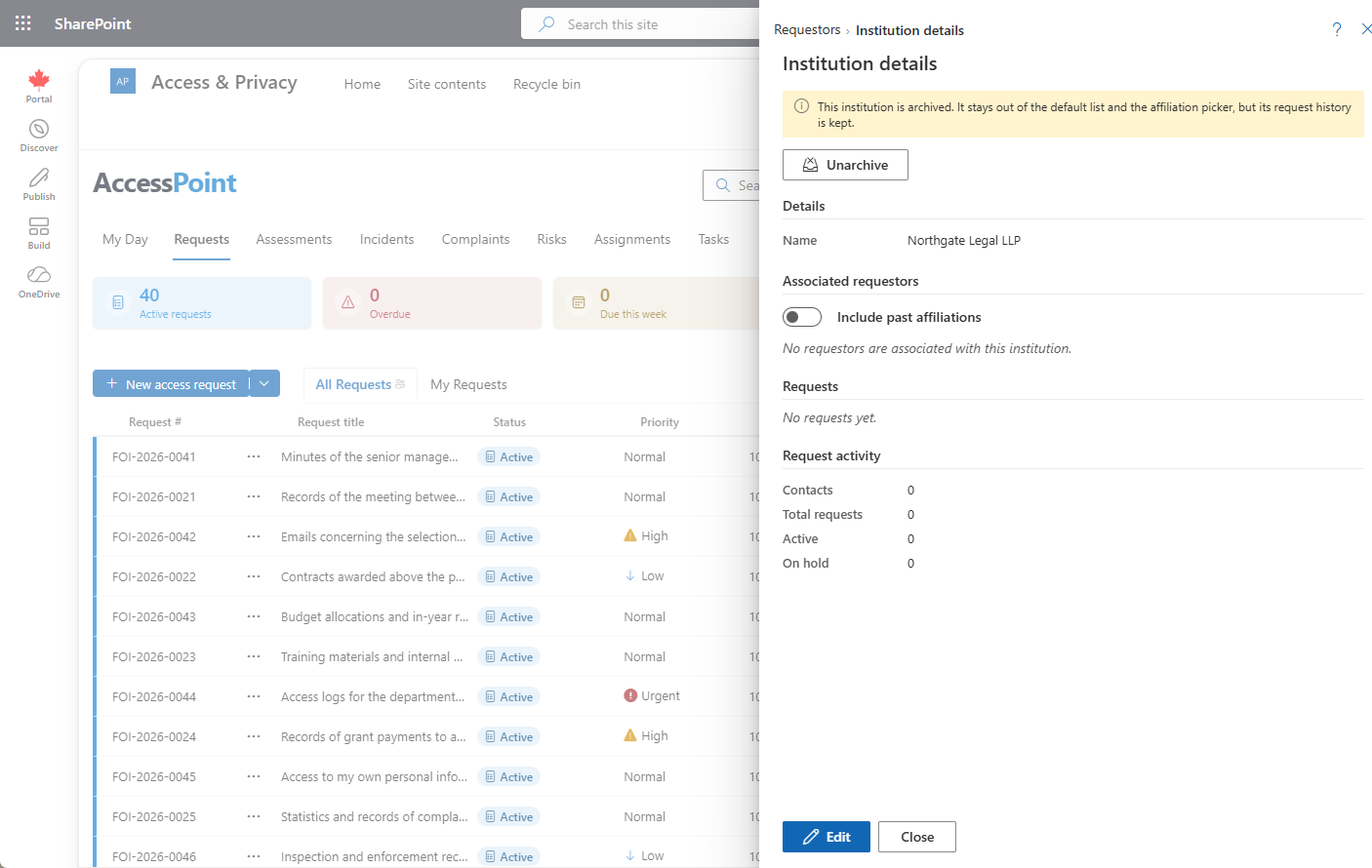
Requestor institution detail — organization identity, affiliated contacts, active-request caps, merge
Last updated: July 12, 2026 by Steve
Requestor Institution
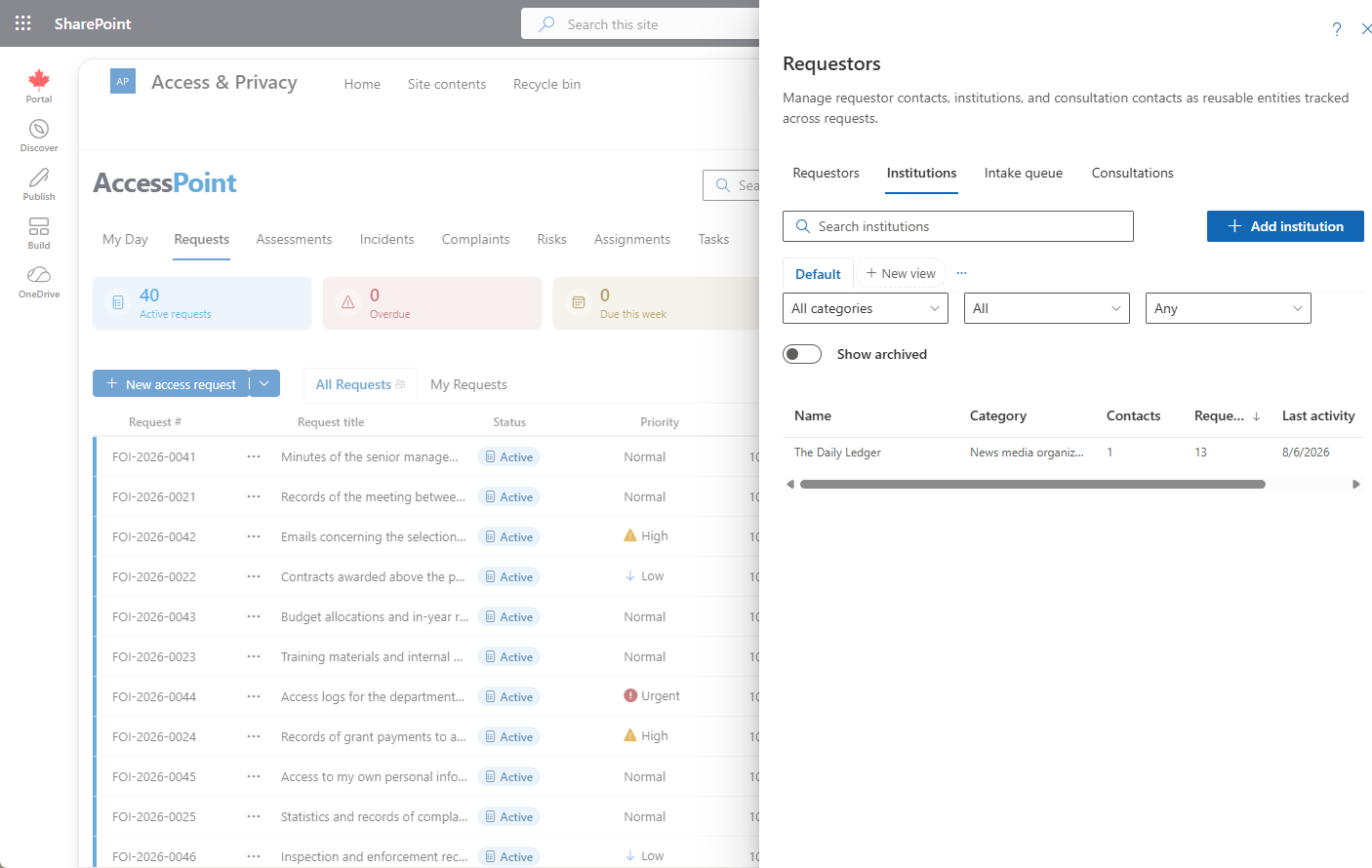
An institution is the reusable record for one organization — a media outlet, law firm, advocacy group, or business — that requestor contacts can be affiliated with. It carries the organization's identity, its own active-request cap, and a roll-up of the requests filed by its affiliated people. Open an institution from the Institutions tab of the Contacts workspace.

Adding or Editing an Institution
- On the Institutions tab, click Add institution (or the pencil icon on a row to edit).
- Record the organization's name, legal name, website, address, phone, email, and category, plus any notes.
- Set the institution's own active-request limit.
- Click Save.
Organization Identity
An institution record holds its name, legal name, website, address, phone, email, category, and free-text notes. These identify the organization across every contact affiliated with it.
Affiliated Requestors
Opening an institution shows its details and the associated requestors list — click a contact to jump to that person. The panel also lists the institution's own requests and rolled-up counts.
Active-Request Caps
An institution carries its own active-request limit, separate from each contact's. A request must clear both the contact's cap and the institution's cap before it activates, so an organization that files heavily can be throttled as a whole even when no single person is over their limit. Contacts set their own limits on the contact record; the Intake queue shows what is currently held.
Archiving an Institution
Institutions that are referenced by requests can't be hard-deleted; archive them instead. Archived institutions drop out of pickers and the default list but remain selectable for contacts already affiliated with them, and the Show archived toggle brings them back into view. Archiving is how you retire a duplicate or defunct organization while preserving the history that points at it. To consolidate duplicate people, merge their contact records instead.