
Requestor category taxonomies — translatable classification lists for requestor contacts and their institutions
Last updated: August 06, 2026 by Steve
Requestor Category Taxonomies
The requestor category taxonomies are the classification lists that describe what kind of contact or institution a requestor is. They populate the Category field on a requestor contact and on a requestor institution, and they drive the Category facet users filter by in the Requestors area. They are ordinary, translatable pick-lists that you own — they replaced the old fixed type enums, so you can name and organize them to match how your office thinks about its requestors.

Where to Find It
Open Settings from the app toolbar and choose the Contact and institution categories area in the Requestors group. The panel follows the standard list-plus-editor pattern: a list of existing categories with Add, an inline edit form, and a delete guard that blocks removing a category still in use.
The Two Taxonomies
There are two independent lists here:
| Taxonomy | Classifies | Where it appears |
|---|---|---|
| Contact categories | Individual requestor contacts (people) | The Category field in a contact's Identity section; the Category facet on the Requestors list |
| Institution categories | Requestor organizations (media outlets, law firms, advocacy groups) | The Category field on an institution; the Institutions list |
Managing Categories
- Add — click Add, enter the name, supply translations for each of your tenant's active languages, and save.
- Edit — open a category to change its name or translations.
- Remove — delete a category that is no longer needed. The delete guard blocks removal while the category is still assigned to a contact or institution.
Because category labels are translatable fields, each user sees the category in their own active language.
Distinct From Fee Categories
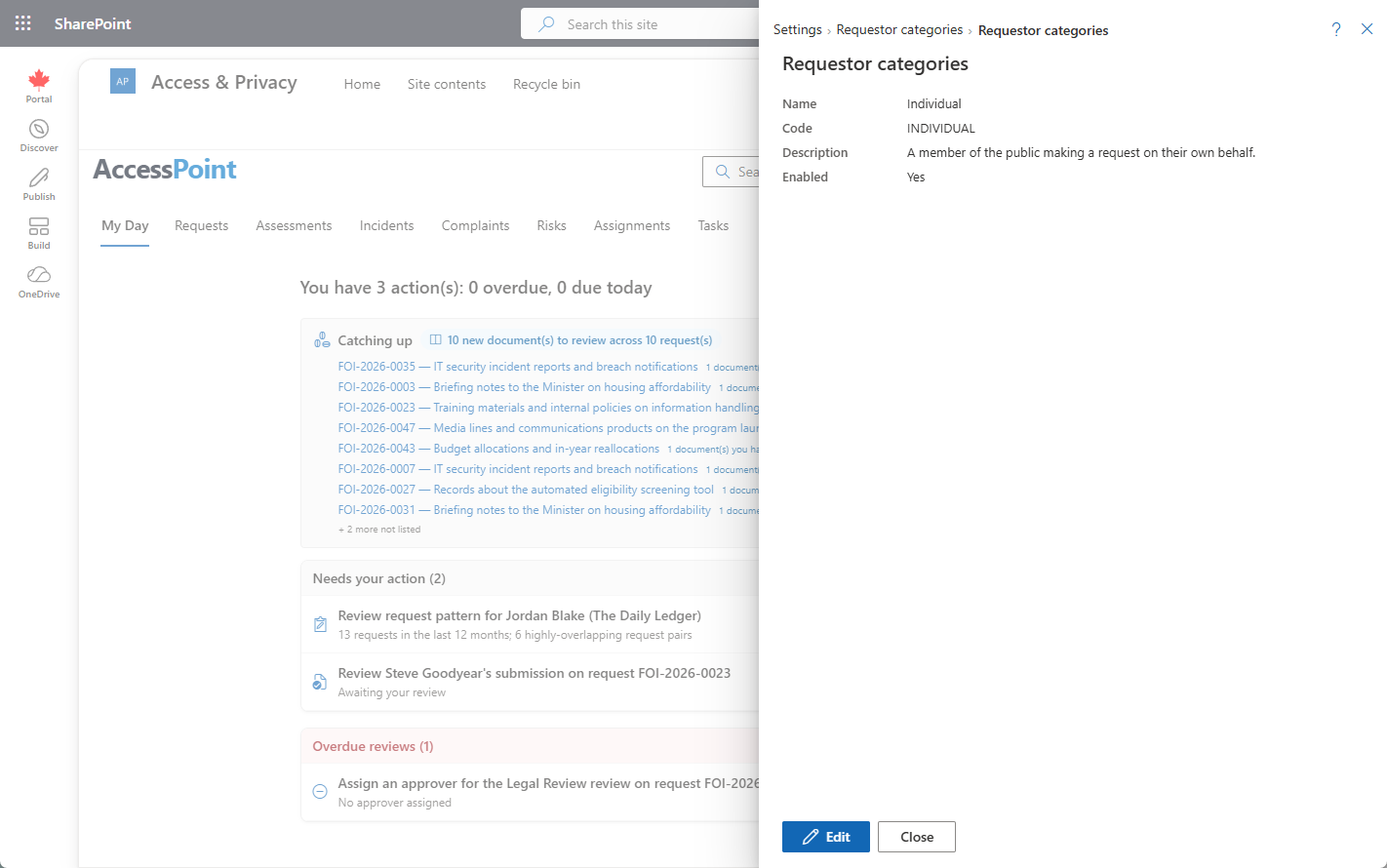
These taxonomies are descriptive classifications only — they do not carry fee or reporting logic. The fee/verification classification used in volume reporting (media, public, business, and similar) is configured separately under Requestor Categories. Keep the two straight: use the taxonomies to describe who the requestor is, and fee categories to drive how a request is counted and charged.
Tips
- Import a jurisdiction pack to seed a starter set, then rename to your office's terminology.
- Keep each list short and unambiguous — these are filters, so a sprawling taxonomy makes the facet harder to use.