
Extension reasons — configuring reasons for deadline extensions with suggested durations
Last updated: August 06, 2026 by Steve
Extension Reasons
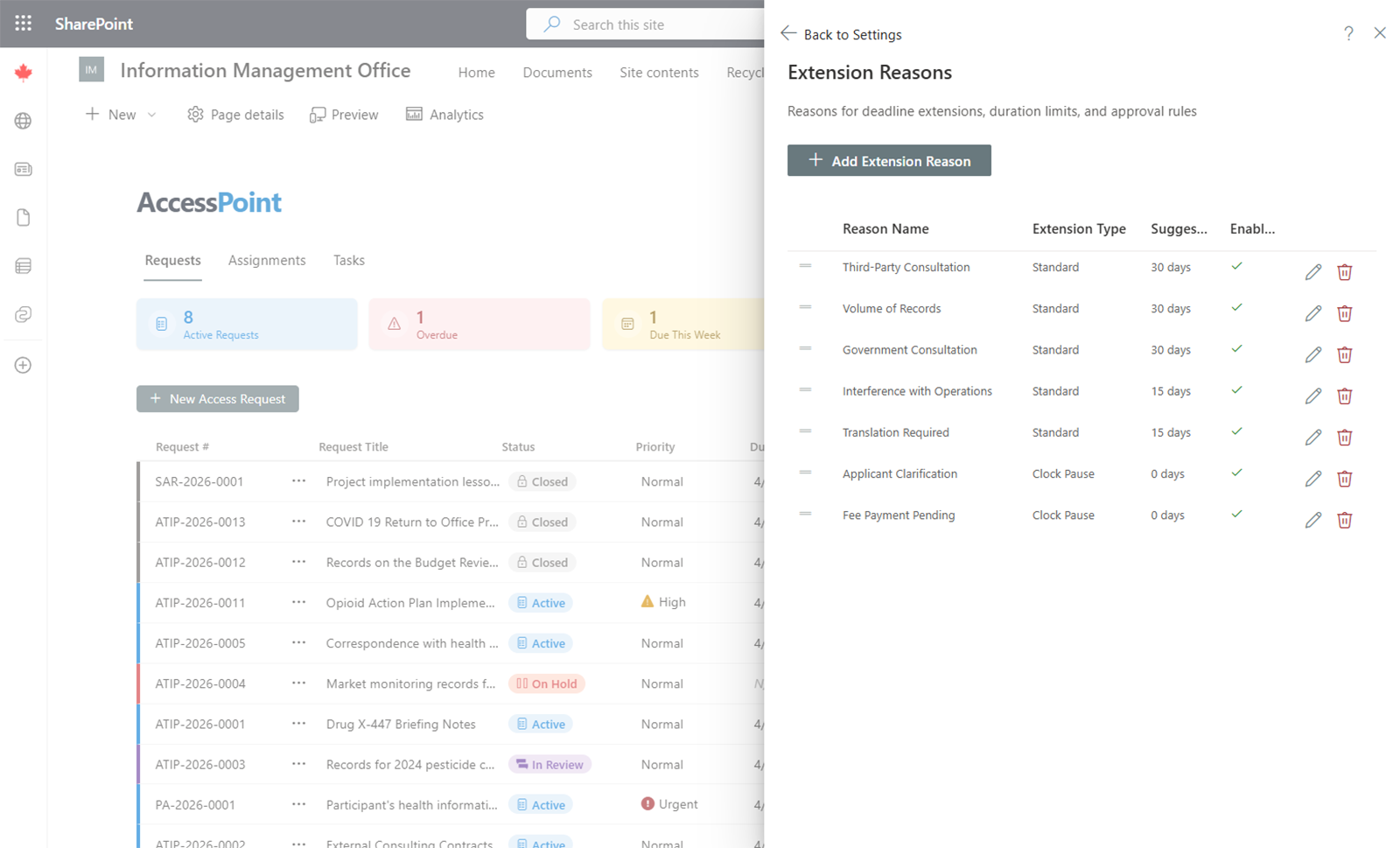
Extension Reasons define the reasons available when an SAO extends a request's deadline or pauses the processing clock.
Configuring an Extension Reason
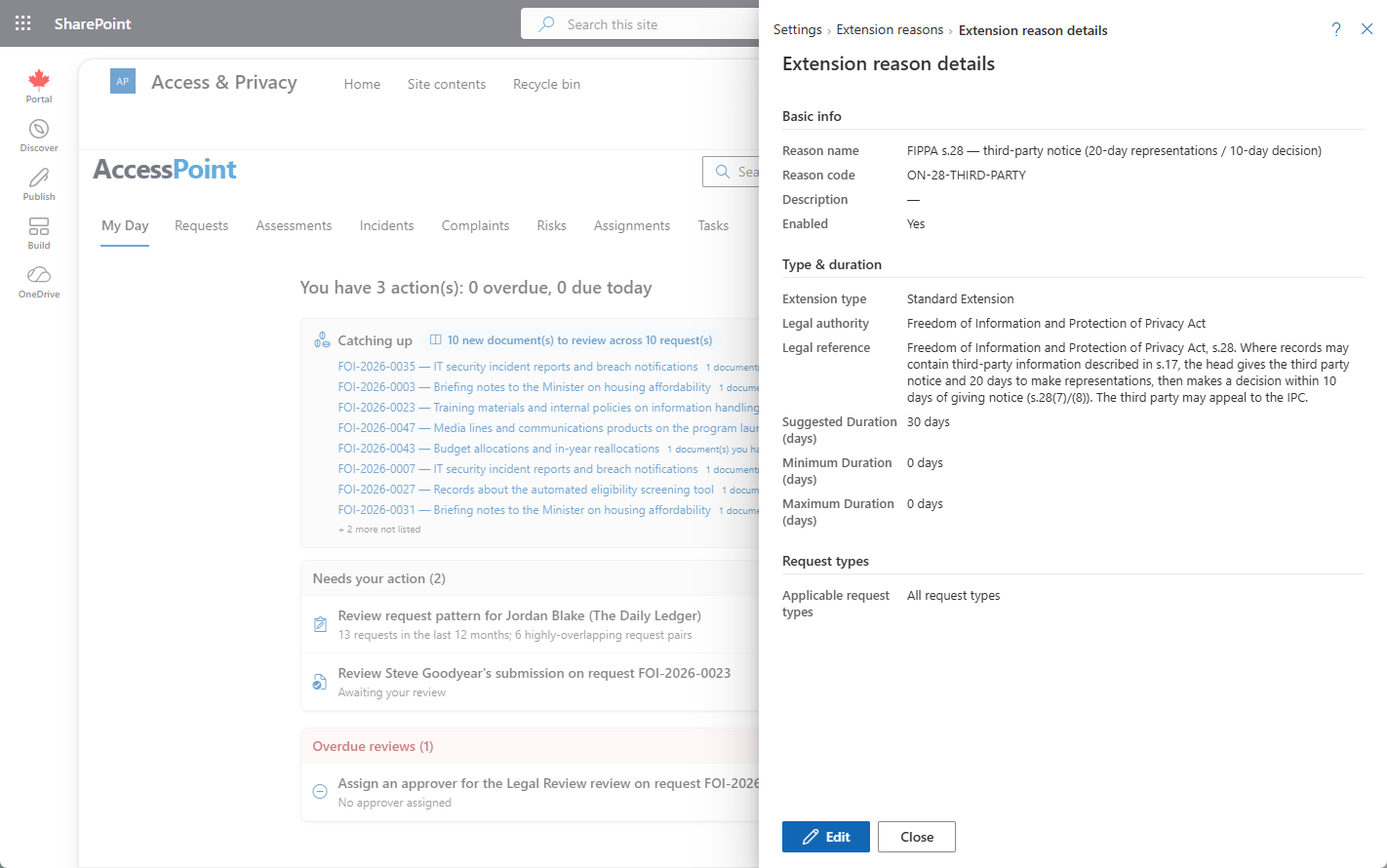
For each extension reason, configure:
- Name — The reason text displayed in the dropdown (with translations for each enabled language).
- Suggested duration — The default number of days suggested when this reason is selected.
- Minimum duration — The shortest extension allowed for this reason.
- Maximum duration — The longest extension allowed for this reason.
- Applicable request types — Which request types this reason can be used with. If left empty, the reason is available for all request types.
Managing Extension Reasons
- Add — Click Add Reason, fill in the fields, and save.
- Edit — Click on an existing reason to modify it.
- Remove — Delete reasons that are no longer needed.
Usage
When an SAO adds an extension to a request, they select a reason from the dropdown. The suggested duration auto-fills but can be adjusted within the configured minimum and maximum range. Extension reasons are typically pre-configured through jurisdiction packs to match jurisdictional requirements.