
The privacy program inventory of privacy subjects — types, ROPA records, deleting a subject and retiring one through Sunset
Last updated: October 20, 2026 by Steve
Privacy Subjects
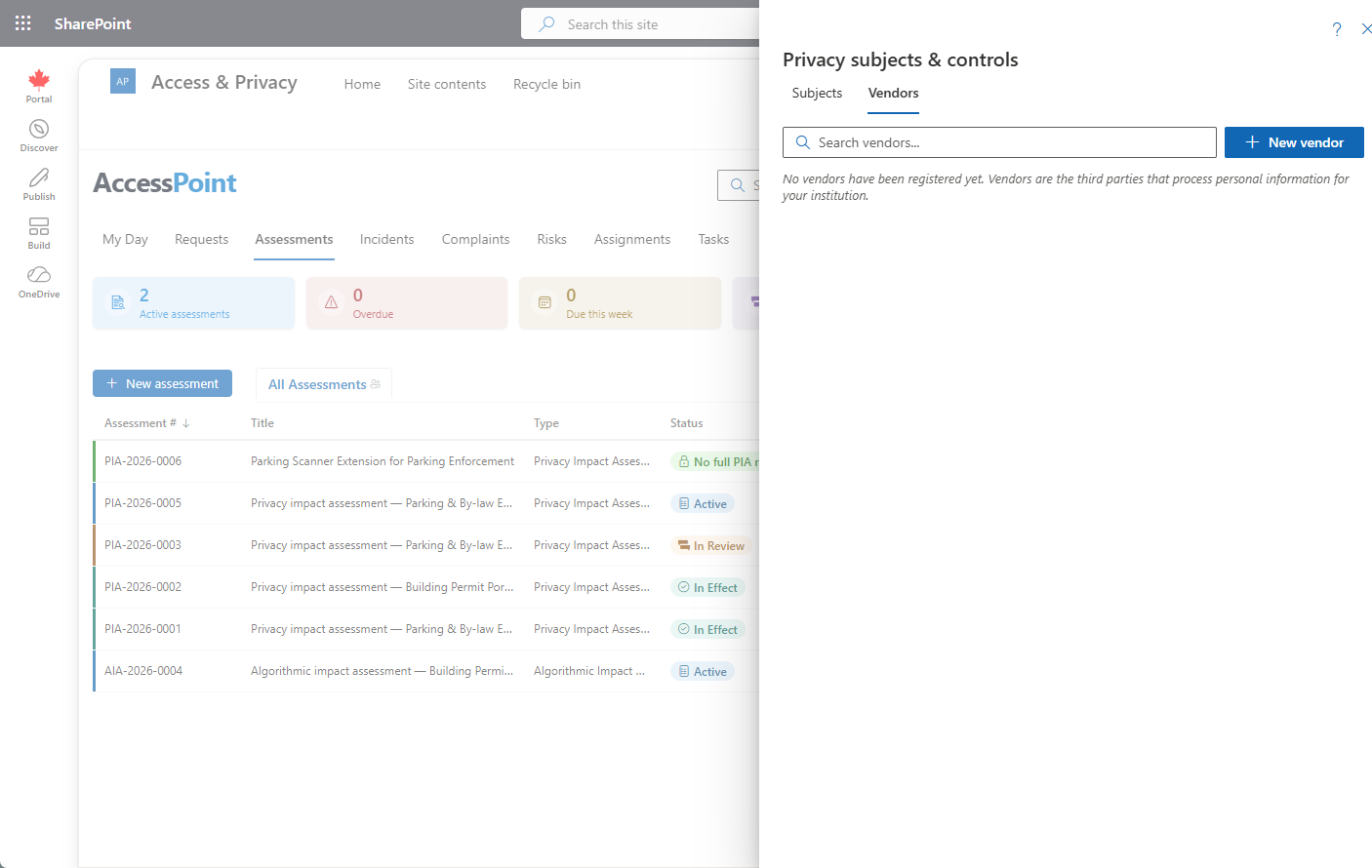
A privacy subject is the durable, reusable thing your assessments and incidents run against — a program, system, initiative, data-sharing arrangement, process change, or technology adoption. Subjects live in the Subjects register of the Inventory area of the Privacy program, opened from the shield-and-padlock Privacy program button on the toolbar. The privacy program replaced the earlier Privacy subjects & controls button: the program's overview, position, year and discovery sit beside the inventory, and the inventory has three registers — Subjects (this page), Vendors and Systems. The privacy and security office uses it to keep one shared record per subject, including the controls, AI/ADM register, and compliance profile tracked on each one — see Privacy Subject Details.
Subjects need the assessment-view or the incident-view permission. Someone who reads subjects through incident-view alone sees each subject without its assessment history, compliance profile or commitments, and cannot export the ROPA. To find candidate subjects automatically, see Program Discovery.
Subject Types
Subject types are a configurable taxonomy — Settings → Privacy subject choice fields → Subject types, seeded by the Universal Baseline pack with types such as Program, Business process, IT system, and AI system. A type flagged as an automated decision-making (ADM) system unlocks the AI/ADM system register section on every subject of that type. The same grouped Privacy subject choice fields panel also manages the other subject taxonomies used across the inventory and its records: categories of personal data (shared with incident reporting), categories of data subjects, and categories of recipients.
Each subject type can also carry a Retention period (months), which decides when a retired subject ages out — see Deleting and Retiring a Subject below.
Browsing the Inventory
Subjects are shown as cards. Each card shows:
- The subject type
- The subject's own status, and a Sunset since chip for a retired subject (use the status filter beside the search box to list them)
- Assessment and incident counts
- The next-review date
Click a card to open the subject detail — see Privacy Subject Details.

Creating a Subject
- Click New subject (needs create permission).
- Capture the identity — name, type, status, business owner, lead program manager, and description.
- Complete the full ROPA record.
You can also inline-create a subject by typing a new name in the subject box while creating an assessment.

Exporting the ROPA Register
Click Export ROPA to produce the PDF Record-of-Processing register across all subjects (needs assessment-view).
Deleting and Retiring a Subject
A privacy subject leaves AccessPoint the same two ways as a case — never a third.
Delete a subject opened by mistake. Open the subject and choose … → Delete subject (needs the Delete assessments permission). The confirmation takes an optional reason. A subject can be deleted only while nothing substantive hangs off it; otherwise the dialog says what to deal with first:
| What still names the subject | What to do |
|---|---|
| An assessment, in any stage | Nothing by hand — a subject with assessments is removed through retention after it is set to Sunset and its assessments have aged out |
| An incident, open or closed | Unlink the subject on the incident |
| A request (Programs this request concerns) | Remove the subject from the request |
| A commitment on the subject | Delete it while it is still Proposed; a subject whose commitments were accepted is removed through retention |
| A registered system that names it as the system's own subject | Clear it on the system in the Systems register |
The subject's status does not matter — a subject that discovery created as Active by mistake can be deleted too. The organization-wide privacy program subject is never deleted and its type never changes: its Delete subject command is greyed out and its Type is read-only, though you can rename it and edit everything else.
Retire a subject and let retention remove it. Set the subject's status to Sunset when the program, system or initiative is retired. AccessPoint records the day, and the panel shows Sunset since. Once the retention period of the subject's type has run from that day, the subject appears in Reports → Retention review as a Privacy subjects row; leave the period blank to keep subjects of that type indefinitely, which is the default. Moving the subject out of Sunset clears the day, and setting it back starts the clock again. See Retention Review.
A subject that has reached its period is held back (listed, but not purged) while it still has any assessment (each ages out on its own assessment type's clock first), a linked incident or request that is not closed, a commitment still proposed or accepted, or a registered system that names it and is not decommissioned — and always for the privacy program subject.
Deleting or purging removes the subject's record of processing, its links to vendors, systems and controls, its data sources, compliance checklist, disclosures, commitments and translations. The vendors, systems and controls themselves are never removed. A purge keeps closed incidents and decommissioned systems and only clears their link to the subject, and both write a row in the purge log. A purged subject is not proposed again by discovery; a subject you deleted by hand was a mistake, so its candidate becomes open again.
The Vendor Register
The Vendors register of the Inventory lists the third parties that process personal information for your institution, with at-a-glance compliance chips for each agreement, contract and review. It has its own page: Privacy Vendors.
Related Pages
- Privacy Program — the overview, position, year and inventory the subjects belong to.
- Privacy Systems — the register of where records live.
- Privacy Subject Details — one subject's record in full.