
The risk treatment task workspace — risk context, coordinator-owned action details, recording outcomes, and completing a treatment action
Last updated: July 12, 2026 by Steve
Risk Treatment Tasks
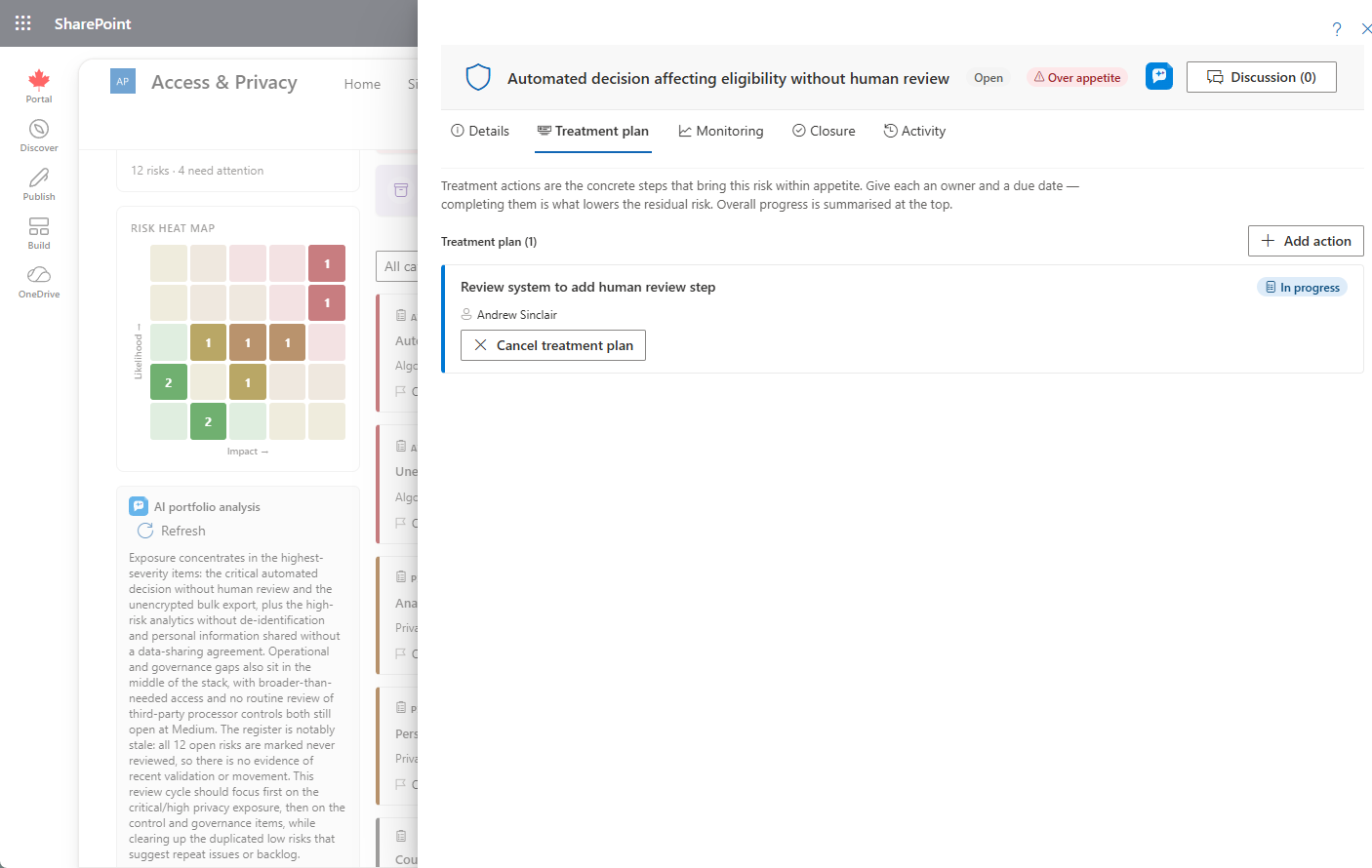
Each risk can carry assignable treatment actions — the concrete work that brings a residual score down toward target. Opening a treatment task shows a focused workspace with the risk it belongs to shown as read-only context: inherent / residual / target badges, an over-appetite warning when the residual is above appetite, and the treatment progress count. Who can edit what depends on your role: a coordinator owns the action details, while the assignee records the outcome.
Working a Treatment Task
- A coordinator uses the pencil on the Action details card to set the name, instructions, priority, assignee, and due date. Only a coordinator can edit these fields — the assignee sees them read-only.
- The assignee (or coordinator) records progress in the Outcome / details narrative and saves it without changing status.
- When the work is done, click Complete and confirm.
If completing the last treatment task still leaves residual risk above target, a non-blocking prompt invites you to re-assess the residual score on the owning risk.

Activity and Discussion
The Activity tab records every create, edit, reassign, and complete event, and a Discussion thread anchors to the task.
Privacy Note
Treatment-task instructions are internal work items and follow the sanitized-instruction principle used across delegated work — never place requestor PII in them.