
The privacy program's register of where records live — applications, databases, shares, SharePoint sites and paper file rooms — and how subjects use them over time.
Last updated: October 20, 2026 by Steve
Systems Register
The Systems register of the privacy program's Inventory lists where records live: applications, databases, shares, SharePoint sites, paper file rooms. Open Privacy program → Inventory → Systems. Everyone who can open the panel can see it.
It is kept deliberately small. It is not an IT asset inventory.
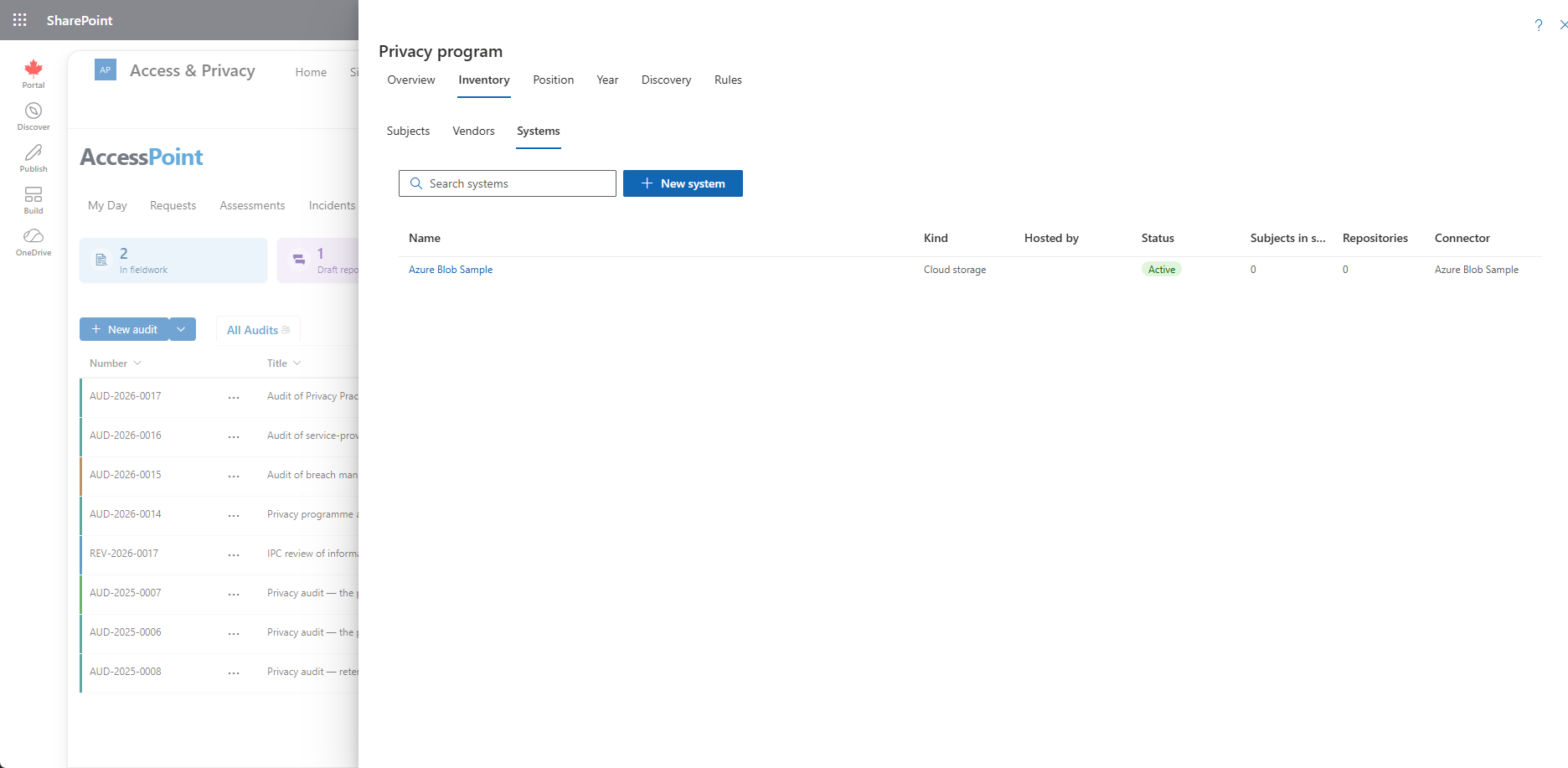
What a System Records
Each system carries a kind, the vendor that hosts it (if any), how it is hosted, a status and a note on where the records are.
Subjects and Systems Over Time
A privacy subject's Systems tab records which systems its records live in, with the date each came into use. When a program stops using a system, End it with the date. The link stays as history, so you can still answer which systems held a program's records during any period. Only a link recorded by mistake can be removed.
Connectors Add Their Systems
Registering a repository connector creates a system named after it (or links an existing system of that name), and a custodian's repository bound to that connector points at the system automatically. Deleting the connector keeps the system.
Retire, Don't Delete
A system that subjects or repositories point at cannot be deleted. Set it to Decommissioned, which keeps the date. A vendor that hosts a system cannot be deleted either.
Where Systems Come From
Systems also arrive through Discovery: places custodians searched for requests that no system covers can be added with Add to the systems register, and the places named in discovery survey answers are registered when you create or link a subject from them. The program's rules read how many subjects are mapped to the systems they run on.
Related Pages
- Privacy Program — the hub and its Inventory.
- Vendor Register — the vendors that host systems.
- Discovery and Discovery Surveys — finding systems the register is missing.
- Privacy Subject Details — a subject's Systems tab.