
Submission sources — defining where documents originate
Last updated: March 29, 2026 by Steve
Submission Sources
Submission Sources define where documents come from when they are added to a request.
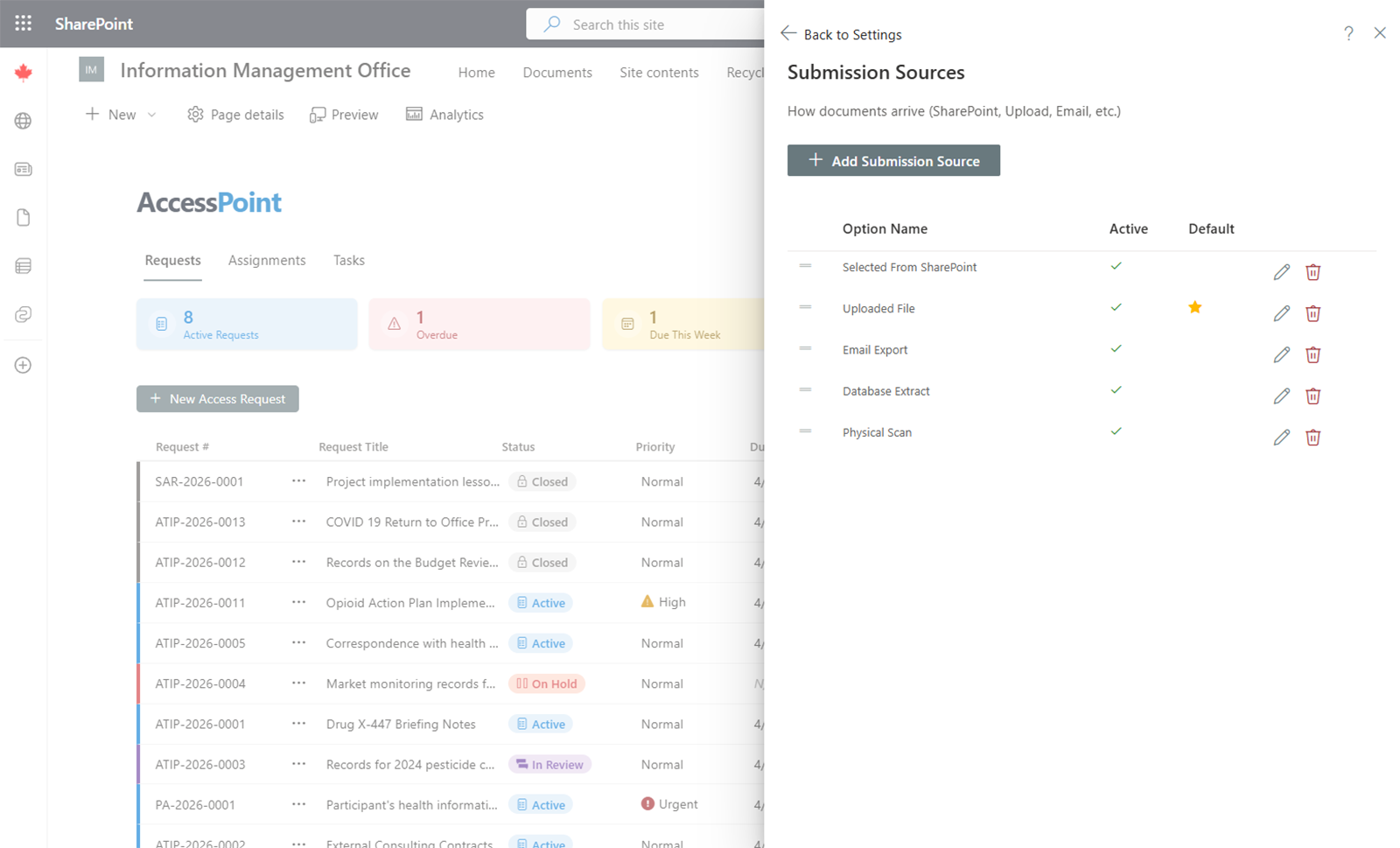
Common Submission Sources
- Email export
- File share
- Physical scan
- Database extract
- SharePoint site
- Application export
Managing Submission Sources
- Add — Click Add Source, enter the name (and translations if multiple languages are enabled), and save.
- Edit — Click on an existing source to update it.
- Remove — Delete sources that are no longer needed.
Usage
When documents are uploaded to a request, the submission source is recorded to track where the documents originated. This is particularly useful for audit purposes and for understanding the scope of document collection across custodians.