
Category comparison
Video & audio redaction software for public records, compared
Body-worn camera footage, 911 audio, CCTV and meeting recordings are now routine access requests. Here is how AccessPoint's in-tenant redaction compares with Veritone Redact, Axon Redaction, Secure Redact and CaseGuard on the nine things that decide whether a release holds up.
The short answer
The market splits in two. Request platforms rarely build video redaction; the ones that offer it resell Veritone Redact, so the recording leaves the case file, is processed in another vendor's cloud, and returns as a file plus a separate log. Standalone tools — Axon's inside Axon Evidence, Secure Redact as a per-minute SaaS, CaseGuard on a workstation — redact well but know nothing about the request, the exemption, or the release the commissioner will ask to see.
AccessPoint treats the recording as one record in the request: faces and on-screen text are detected in your own tenant, marks are anchored to the transcript, each span carries the exemption it was severed under, and the burned release ships with its log and an ML-use disclosure. The rows below show where each tool stands, in the vendor's own published terms.
Side by side
Competitor cells summarize each vendor's published documentation as of September 2026; where a vendor does not publish something, the cell says so.
| AccessPoint | Veritone Redact | Axon Redaction | Secure Redact | CaseGuard | |
|---|---|---|---|---|---|
| Where the footage is processed | Inside your own Microsoft 365 and Azure tenant. Face detection runs on your App Service with no outside call; on-screen text detection and transcription use Azure AI Document Intelligence and Azure AI Speech deployed in your tenant. The original recording is never modified | Uploaded to Veritone's cloud — directly or through the request platform's integration. Veritone describes CJIS-compliant cloud hosting; region and sovereignty options are not described in its published documentation | In Axon Evidence's cloud, where Axon camera footage already lives; Axon describes CJIS-aligned, encrypted cloud hosting and a full audit trail on every file action. Provider and region are not described in its published product pages | Uploaded to Pimloc's SaaS, with a choice of UK/Europe or US processing jurisdiction; a private or customer-cloud deployment is offered to enterprise customers | On the agency's own machine or network — CaseGuard says it is not cloud-based and needs no internet connection to process video — with on-premise deployment and offline mode in the Ultimate and Enterprise plans. Its refund terms reference cloud-based AI hours and an AI allotment |
| Detection: faces, plates, on-screen text | In-tenant face detection with stabilised tracking (one proposed tracked mark per person) and on-screen text via frame OCR against your detection patterns — a licence plate, a name badge, a case number on a monitor — each proposal carrying a rule citation. No dedicated plate, head or body detector; anything else is drawn once and tracked automatically | Automatic detection of human heads, licence plates and mobile data terminals, with user-defined objects for anything else; Veritone's CHP announcement also cites faces, medical information and driver's licence numbers | Redaction Assistant masks heads, licence plates and screens, lists every unique head in a thumbnail panel for selection, and tracks heads in and out of frame; bulk processing of up to 20 videos, with a two-hour video returned in about ten minutes (vendor figures). Studio adds a manual object tracker | Automatic blurring of faces, heads, licence plates, screens, displays and mobile data terminals; vendor claims over 99% of personal data identified. Detection of printed text on screen (names, numbers) is described for documents rather than video frames | Automatic detection of faces, licence plates, screens and mobile data terminals, notepads, vehicles and bodies — twelve categories, per the vendor — plus a Smart Tracker that follows a drawn shape until it leaves the frame |
| Audio: mute, bleep, voice distortion | Mute, bleep and voice distortion (pitch-shifted so every word stays audible) can be combined on one recording, each span with its own exemption — the severance Ontario's IPC has ordered in place of removal | Automatic detection of sensitive speech and PII; product page describes voice masking and multilingual transcription. Which obscuring effects are available per span is not itemised in its published documentation | Studio redacts audio PII manually and can select a single audio stream in multi-stream files; Assistant redacts words found in the transcript. Whether the released audio is muted, bleeped or pitch-shifted for a span is not described in its published documentation | Automatic redaction of names, addresses, dates and other personal data in audio via named-entity recognition, plus manually created audio ranges. Whether a span is muted, bleeped or pitch-shifted in the output is not described in its published documentation | Mute, bleep or resample (change the tone of a voice to conceal identity) on part or all of a recording |
| Transcript-anchored marks | Time-coded, speaker-labelled transcript; Find & redact, detection rules and the AI pass propose Mute marks over the spoken span for you to accept or dismiss. Needs Azure AI Speech deployed in your tenant | Time-synced transcripts are part of the product; the Escondido PD case study describes time-correlated transcription of sensitive content | With Redaction Assistant, search for or click any word in the transcript to redact it throughout the video | Automatically generated transcripts that are editable and downloadable, used to pick the words to redact; audio can also be translated into English | Automatic transcription with speaker identification in more than 100 languages; search or highlight keywords in the transcript and redact with one click; transcripts export to Word, PDF or text |
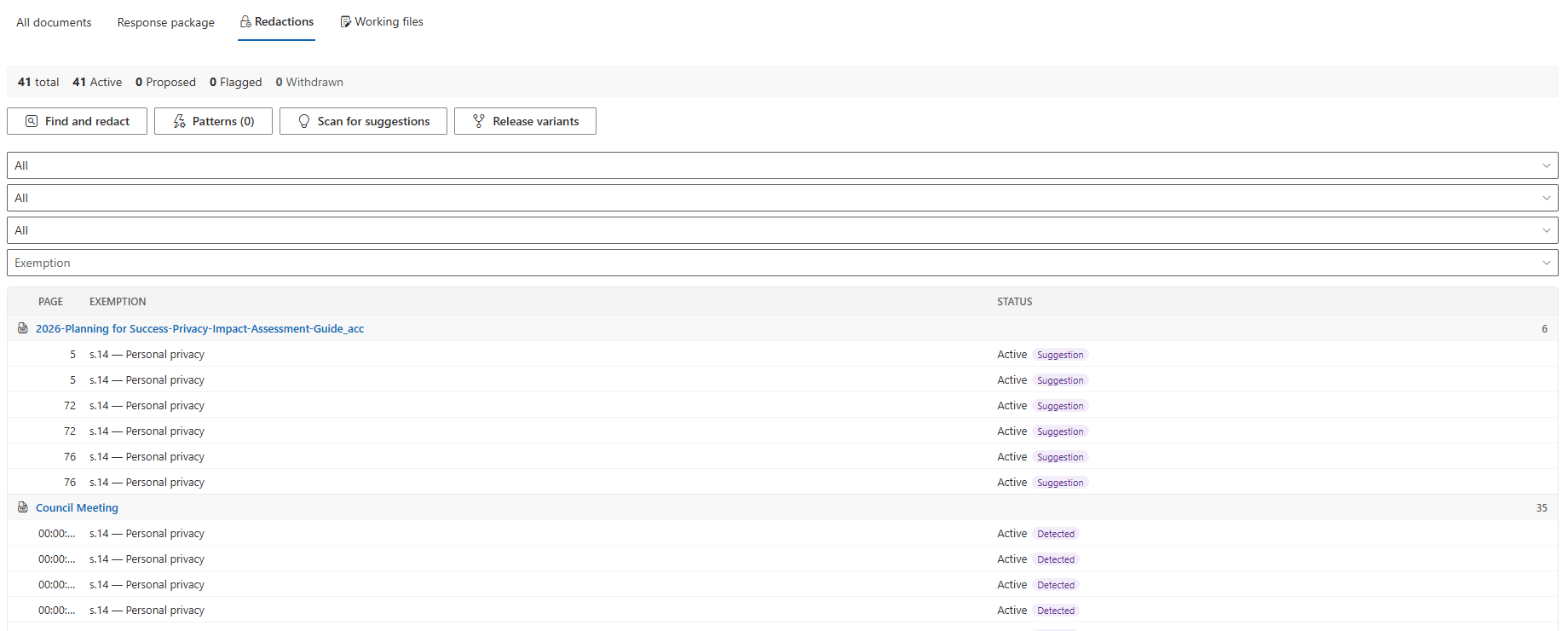
| Link to the request and the exemption cited | Every mark — region, audio span or whole-record withhold — carries the exemption, alternates, comments, flags and approval like a page redaction, the in-frame caption can show it, and the request's redaction log lists each span with its effect and exemption | The FOI-platform integrations describe a one-click round trip of the file. Whether a per-span legal justification travels back into the request file's own withholding record is not described in the published integration materials | Agency-configured exemption codes in a drop-down, assigned per mask from the redacted-objects panel; masks without a code are flagged. The access request itself lives in whatever system the records office uses | Not described in its published documentation — Secure Redact is positioned as the redaction step for DSARs and FOI requests managed elsewhere | Exemption logs are described, and an exemption report is listed for the Ultimate and Enterprise plans. Whether an exemption attaches to a time span on a recording, and how it reaches the request file, is not described in its published documentation |
| Audit log and release record | Hash-chained, append-only audit ledger in the request file; each release carries a MANIFEST.sha256 of every entry, a Redaction Index and a "How this release was prepared" statement that counts manual, rule-proposed, model-proposed and propagated marks | Detailed logs, chain-of-custody records and downloadable audit trails, held in Veritone's application | Axon Evidence records every view, edit and download on a file in its audit trail; an exemption log is generated automatically with the export of the redacted file. Whether each log entry carries the time span it applies to is not described in its published documentation | A full audit trail and chain of custody on every file, covering processing, redacting, storing and sharing | Audit logs and compliance reports in every plan; standard and transcription reports in Ultimate and Enterprise; redactions are permanent and metadata is scrubbed on export |
| Formats and the burned release | Uploads up to 2 GB by default in resumable blocks; the release renders MP4 / MP3 with marks burned in and a record-label caption, packaged in the same ZIP as the PDFs. Per-audience release variants are stored as exclusions, so a new mark applies to every cut by default | Audio, video and image files are supported; the redacted file is returned to the agency or the request platform. Accepted formats, size limits and the shape of the released file are not described in its published documentation | An export of the redacted file plus the exemption log; accepted formats, size limits and release packaging are not described in its published product pages | Accepts mp4, mov, avi, webm, wmv, mpeg, 3gp and mkv; 4K support on the Advanced plan; anonymized video can be shared with third parties. The output format and whether sharing links expire are not described in its published documentation | Video, audio and image files with permanent, burned-in redactions; the list of accepted and exported formats and any size limit are not described on its product pages |
| Integration with request platforms | AccessPoint is the request platform: recordings are documents on the request, added from the Documents tab or Teams meeting recordings, and the release decision feeds the Contents page, the redaction log and the statistics | Integrations announced with MCCi JustFOIA (August 2026) and OPEXUS FOIAXpress; the request lives in one system and the redaction in another | Native to Axon Evidence; the redacted file and log are exported and then handled in the records office's own request system | Direct integrations with video-management and evidence platforms (Milestone XProtect, Eagle Eye Networks) and an API for custom workflows; no FOI or DSAR request platform integration is described | Footage import from Axon Evidence.com and Box.com; third-party integrations are listed for the Ultimate and Enterprise plans. No FOI request platform integration is described |
| Pricing model | Flat annual subscription by organization size, published on the site and billed through the Microsoft commercial marketplace — no per-user, per-seat or per-minute fees, and video and audio redaction is included | Not described in its published documentation; typically an additional licence alongside the request platform | Quoted through Axon sales; Studio is part of Axon Evidence, Redaction Assistant is a paid add-on | Published per-minute credit plans from $65 / £49 a month on annual billing, with top-up credits; enterprise contracts from 60 credits a month | Published per-user seats billed annually — $279, $299 or $379 per user per month depending on suite — with Enterprise pricing from 50 seats and a pro-rated money-back guarantee |
Each tool's page carries the sources for its column. Products change; if a cell is out of date, tell us and we will correct it.
Tool-by-tool comparisons
Sourced pages for each product: what it does well, where AccessPoint differs, and how to run the two side by side on your next request.
What a defensible release needs
Commissioners and courts have been specific about video and audio releases: obscure faces and identifying detail rather than cutting the footage where obscuring will do, distort or mute third-party speech, cite the exemption at the place in the record for every severance, and keep a log the requester and the regulator can follow. The body-worn camera and 911 audio guide collects the orders and the fee rules. Two of the nine rows above decide whether a tool can meet them: the exemption cited on each span and the audit log that travels with the release. A redaction engine that returns a file and a separate report leaves your office to reconstruct that link by hand.
Effort matters as much as capability. Four independent sources put unassisted review at four to six hours per recorded hour; the FOI ROI calculator models what detection and transcript-anchored marks do to that number for your own volume of recordings.
Questions buyers ask about video redaction
Do FOI and public-records platforms include video redaction?
What does a regulator expect a redacted video release to look like?
Can we keep the footage in our own environment?
How much effort does video redaction take?
Which video redaction software is best for public records?
Video Redaction in Your Own Tenant, Logged in the Request File.
Try AccessPoint free for 30 days in your own Microsoft 365 tenant. Flat pricing, published on the site.