
Solutions · By capability
FOI on SharePoint: build it, or run it?
If you're researching how to build FOI request tracking in SharePoint, your instinct is right — SharePoint is exactly where this work belongs. The question is whether your team should spend the next year building the hard parts, or deploy them in an afternoon.
Building FOI request tracking in SharePoint is a completely rational instinct: your records already live there, your users already work there, and a list with views and alerts covers the visible part of the job. Plenty of offices have built exactly that. The trouble starts with the invisible part — the statutory machinery a list can't carry.
Statutory deadline math on business-day calendars with extensions, holds, and deemed-refusal consequences; redaction with exemption tagging that survives a commissioner's review; a PII firewall so custodians never see requestor identity; digital attestations for search completeness; consultations with their own clocks; fee handling; statistical reports in the formats your oversight body requires; and an audit trail that proves itself. Each of these is months of build — SharePoint lists, Power Automate flows, custom code — and worse, each changes when legislation does. The build is a project; the maintenance is a career.
AccessPoint is the third option the build-vs-buy framing misses: a purpose-built FOI and privacy platform that runs on the SharePoint and Teams you'd have built on. It installs as a SharePoint web part with a Teams app, its backend deploys into your own tenant's Azure subscription, records collect straight from your tenant — and there's no Power Platform or Dataverse licensing anywhere in the picture. You keep everything that made building in SharePoint attractive, and skip the year of building.
Why the DIY build stalls
Offices that build FOI tracking in SharePoint hit the same three walls.
The list that was almost enough
The list with views and alerts handled logging beautifully — right up until the first extension landed on a file with a fee-deposit clock pause. Calculated columns couldn't carry the math, so now due dates get checked by hand, beside the tracker built to compute them.
The flows only one person understood
The Power Automate flows were one analyst's side project, and that analyst got promoted. A connector credential expired months ago; the reminder flow has been failing silently ever since. The office finds out when a requester follows up on a deadline that passed unalerted.
The custodian who saw the requestor
Item-level permissions hid the requestor column in the view — but not in search results, or the export someone mailed around. A custodian opens the item, recognizes a journalist's name, and from that moment the search is tainted and the firewall exists only on paper.
The parts a SharePoint list can't carry
If you do build it yourself, this is the honest scope of the hard 20% — budget for it before you start.
How does your SharePoint setup score today? Take the two-minute FOI quick check →
What you get on day one instead
Everything the DIY build was reaching for — running on your own SharePoint, Teams, and Azure.
Native to your tenant
A SharePoint web part and Teams app over an Azure backend deployed from a one-click Bicep/ARM template into your own tenant's subscription. Your data never leaves your environment.
Records from where they live
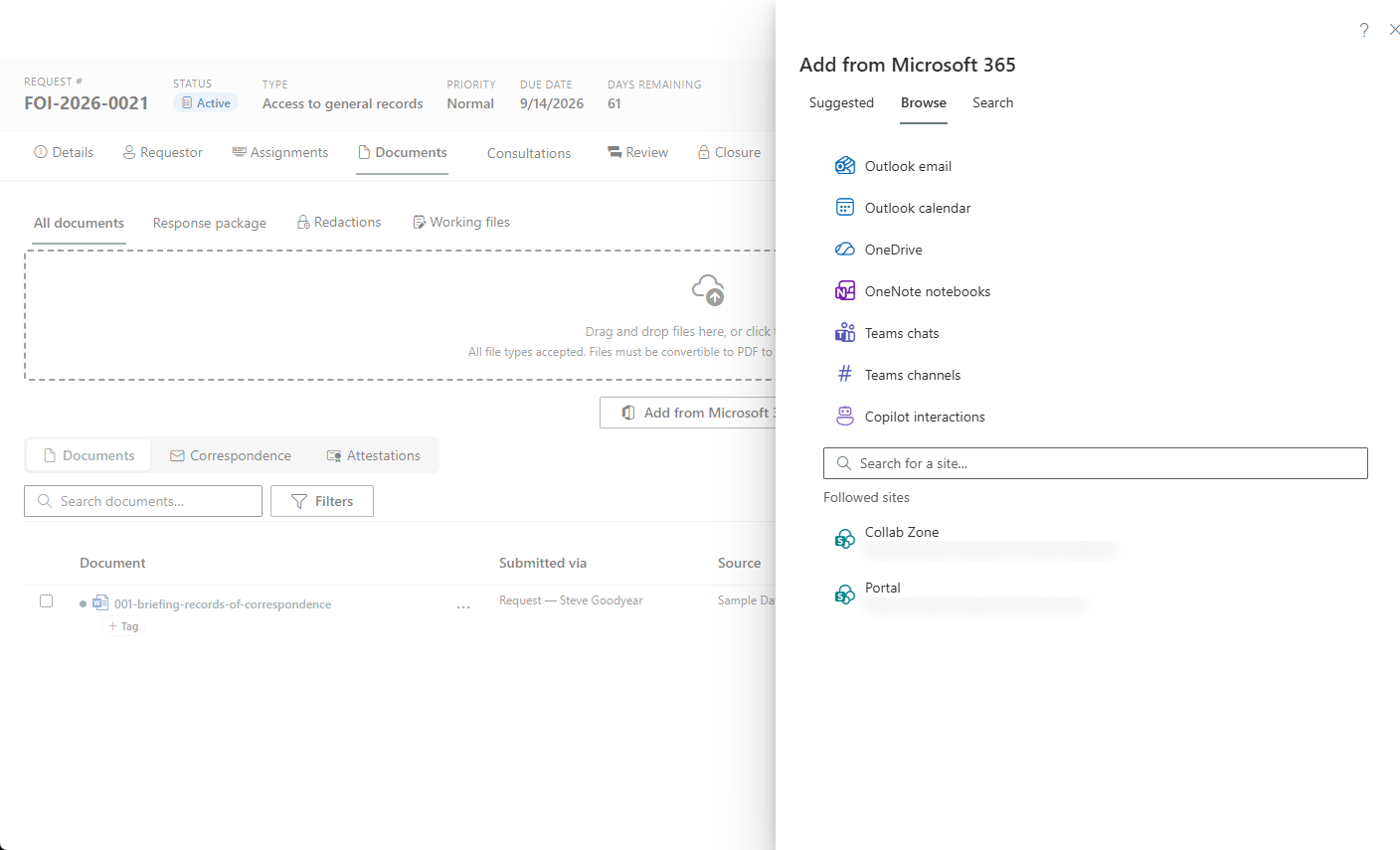
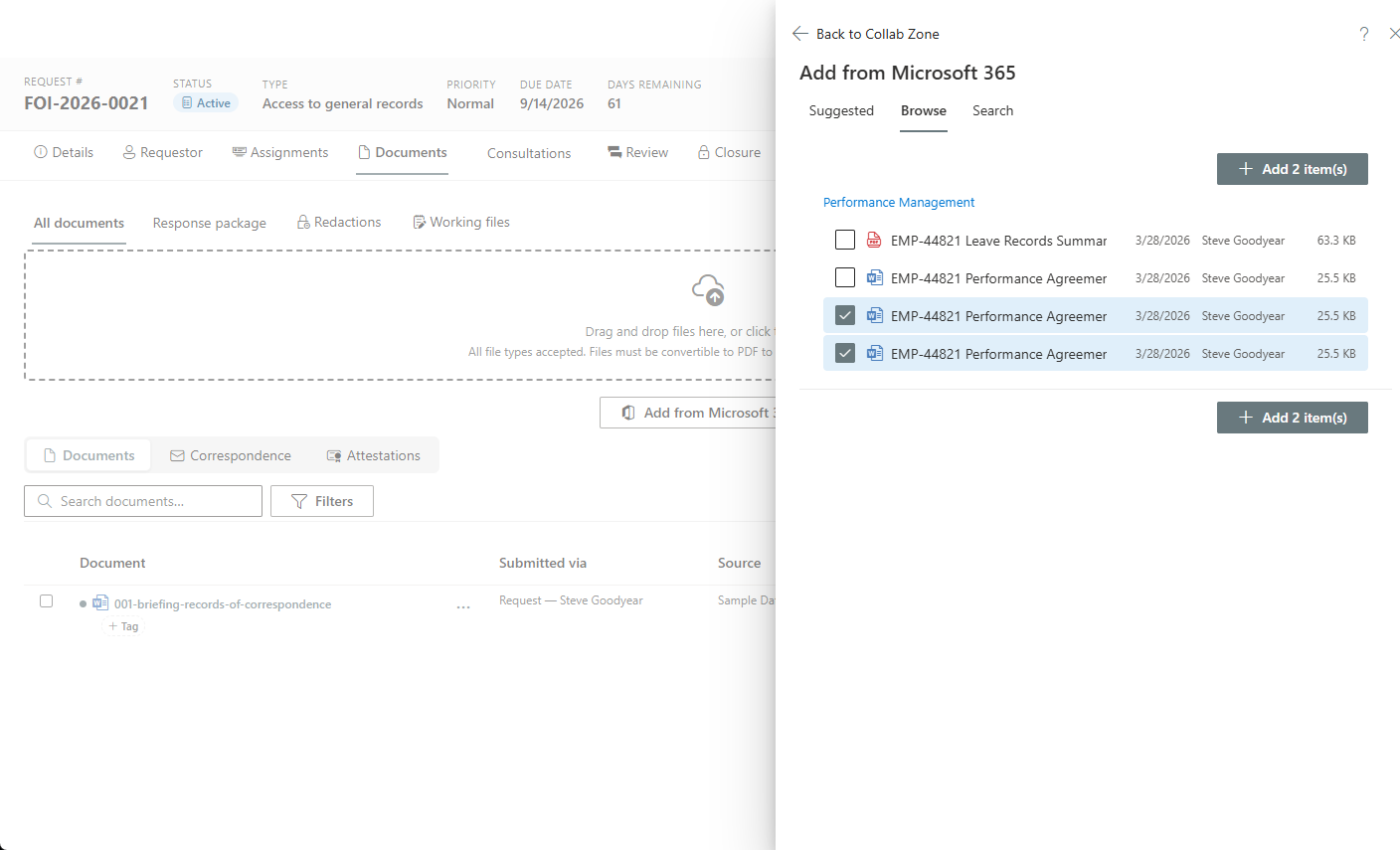
Search SharePoint, OneDrive, and Outlook and attach records straight to a request — plus Teams chats, OneNote pages, calendars, and Copilot interaction history.
Your statute, preconfigured
A jurisdiction pack seeds deadlines, exemption catalogues, fee rules, letter templates, and report formats for your regime — 136 packs and counting, adjustable, never a lock-in.
The deadline engine, done
Computed due dates, extensions, holds, deemed refusal, and an abandonment workflow — the exact machinery the DIY build stalls on.
The redaction studio, done
Browser-native severance with exemption tagging, find-and-redact, live patterns on arriving documents, and optional AI-proposed redactions into human review Video and audio recordings are severed the same way, with the exemption on every span.
Room the list never had
PIAs, AIAs, breach response, complaints, and a privacy risk register on the same platform — the mandate beyond requests that no one builds in a list.
See it in AccessPoint
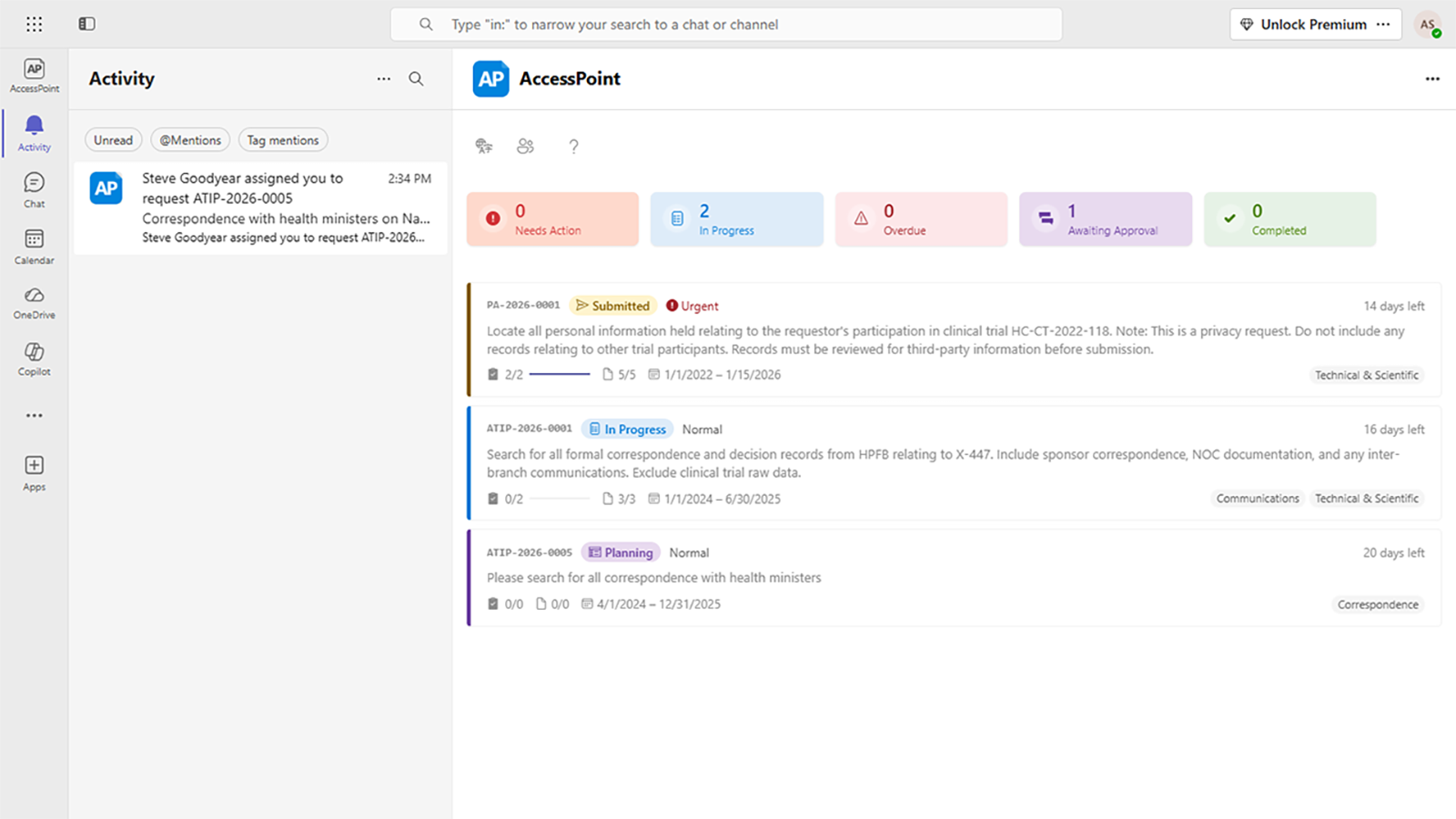
Real screens from the product, running in a Microsoft 365 tenant. Click any one to enlarge.
The economics
"Free" is the most expensive option
A DIY build costs its construction, its maintenance, and its legal risk — a missed statutory deadline or an indefensible redaction costs more than software ever will. AccessPoint's price is public and flat.
Go deeper
SharePoint FOI Request Management Questions
Can you build FOI request tracking in SharePoint?
Why is AccessPoint better than building it ourselves in SharePoint?
We already built a SharePoint FOI tracker. Can we move off it?
Does AccessPoint use Power Apps or Dataverse?
Will it feel like SharePoint to our users?
Flat annual pricing, published in full. Every feature in every size — access requests, privacy impact assessments, breach response, complaints, video & audio redaction, and AI Assist. No per-user or per-module fees.
- Under 500 employees$2,990/yr
- 500–2,000 employees$7,990/yr
- Over 2,000 employees$14,990/yr
Keep the SharePoint. Skip the Year of Building.
Try AccessPoint free for 30 days in your own Microsoft 365 tenant — live in an afternoon, configured for your statute.