
Solutions · By capability
FOI request management software that runs the whole lifecycle
Intake to disclosure: statutory deadlines computed from your legislation, records collected straight from Microsoft 365, redaction with exemption tagging in the browser, and every action on a court-ready audit ledger — in your own tenant.
FOI request management software exists because the work is unforgiving: statutory clocks that run on business-day calendars, exemptions that must be applied line by line and defended later, records scattered across mailboxes and drives, and an oversight body that will eventually ask you to prove every step. A spreadsheet can log requests; it can't compute a deemed-refusal date, wall custodians off from requestor identity, or produce an audit trail a commissioner will accept.
Most FOI tools solve the logging layer and stop — a register with reminders, and the real work still happening in email, desktop redaction tools, and shared folders. AccessPoint's approach is to operate the whole lifecycle in one governed system: the request, its clock, the records, the review, the redactions, the correspondence, and the release package, each step feeding the same hash-chained audit ledger.
And because it's Microsoft 365-native, the biggest hidden cost of FOI software disappears: your responsive records already live in SharePoint, Outlook, and Teams. AccessPoint collects them where they are, instead of your team downloading and re-uploading them into a separate vendor cloud.
Sound familiar?
Three moments every FOI coordinator recognizes — and what each one risks.
Deadline math on a calendar printout
Business days counted by hand, holidays circled, a fee deposit pausing the clock somewhere in week two — and an extension letter whose new due date everyone computes slightly differently. One miscount and the file crosses into deemed refusal before anyone notices.
The search that lives in email
Records requests go out as emails, replies trickle back incomplete, attachments arrive with no log entry, and nobody certifies the search was done. When the commissioner questions completeness, the only evidence is a thread — and a thread attests to nothing.
Three versions, one wrong click
The original, the working redline, and the release copy sit in one folder, distinguished by filename conventions that made sense at the time. Attaching the wrong one to the outgoing email doesn't just embarrass the office — it releases the unredacted file.
What to look for in FOI request management software
Whatever you buy — including if it isn't AccessPoint — these are the capabilities that separate a request register from a system that actually carries the work.
How does your current setup score? Take the two-minute FOI quick check →
How AccessPoint runs the request lifecycle
One governed platform from intake to release — these are the load-bearing pieces.
Intake in one step
An email in your intake mailbox becomes a fully-formed request with the message attached as its first document — or log requests manually with AI triage suggesting title, summary, scope, and clarification questions to send.
Deadlines you never compute
Statutory business-day calendars drive every due date, with extensions, fee-deposit clock pauses, and holds tracked against their legal basis — and deemed refusal recorded automatically if a date passes unanswered.
Collection, review & attestations
Assign collection tasks to custodians, pull records straight from SharePoint, OneDrive, Outlook, and Teams, de-duplicate with per-copy decisions, and close searches with legally-defensible digital attestations.
Redaction in the browser
A full redaction studio — find-and-redact across documents, exemption tagging with fall-backs, live patterns on newly arriving records, and optional AI-proposed redactions into the same human review pipeline — and the same for recordings: body-worn, CCTV, and 911 audio are severed with time-based marks that carry the same exemptions.
Consultations & correspondence
Third-party and inter-departmental consultations with their own statutory windows, and templated letters built from merge fields that pass through a PII firewall.
Reporting your oversight body expects
Statutory annual-report templates from your jurisdiction pack, operational dashboards, and Report Studio for everything leadership asks that the statute doesn't.
See it in AccessPoint
Real screens from the product, running in a Microsoft 365 tenant. Click any one to enlarge.
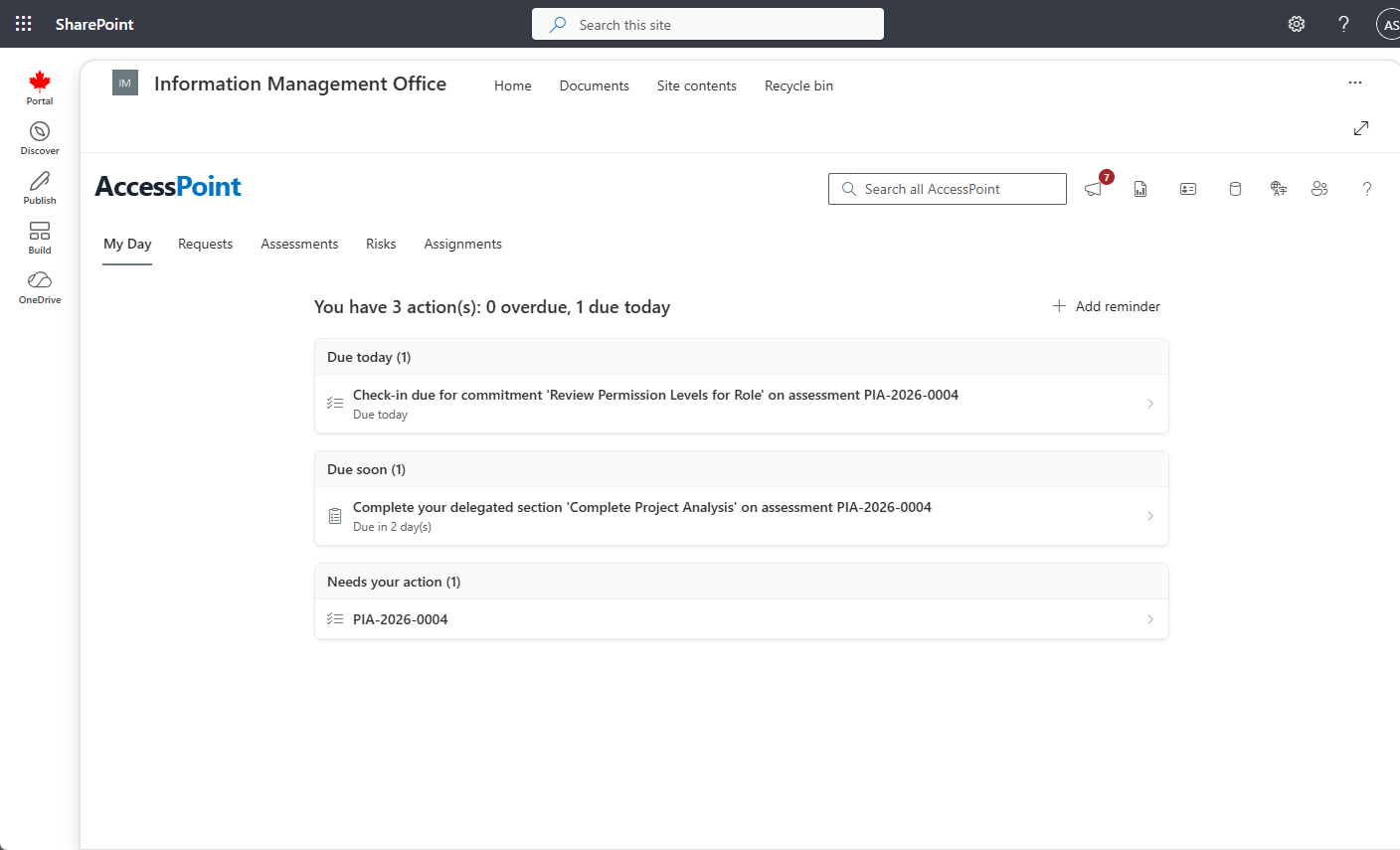
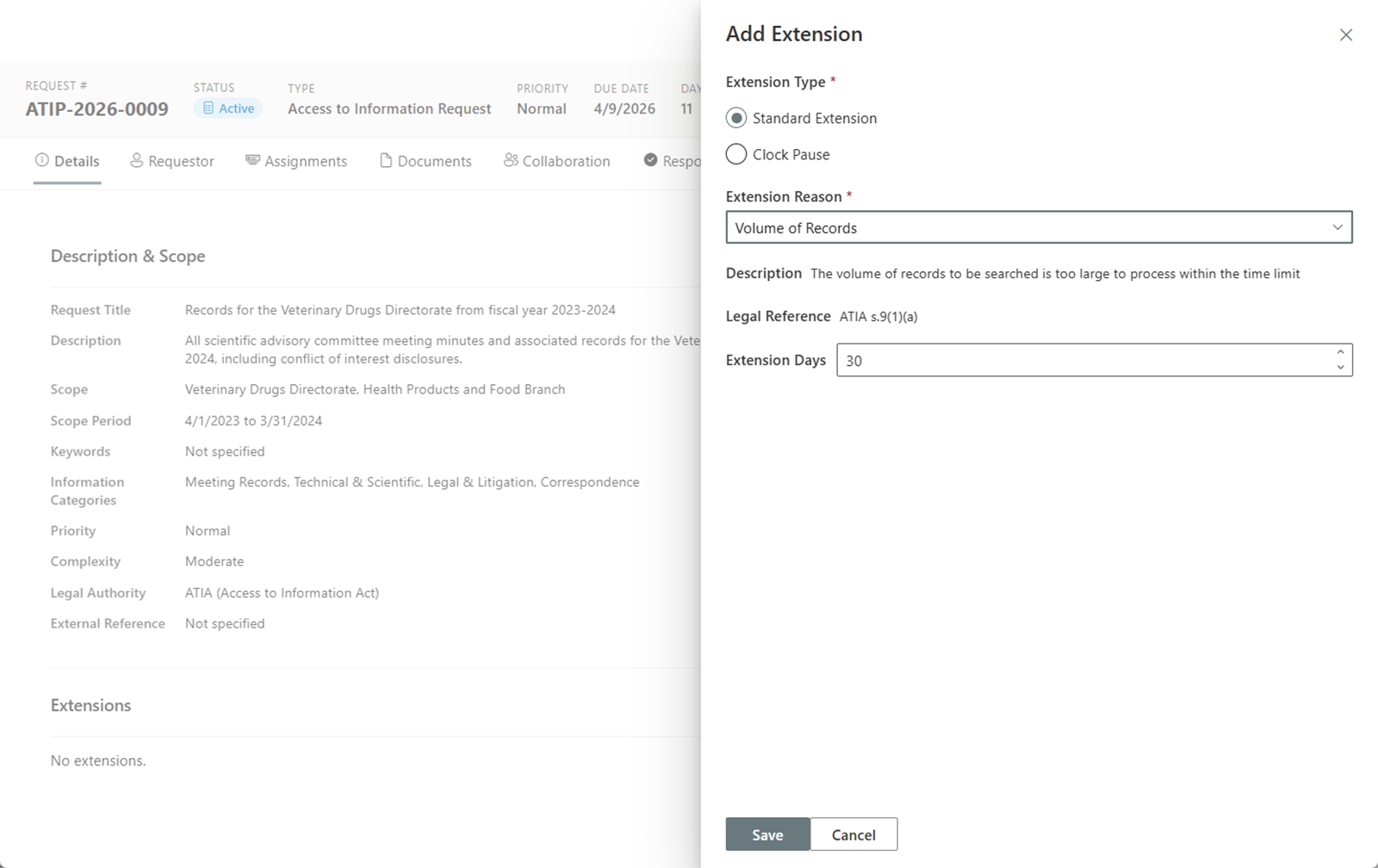
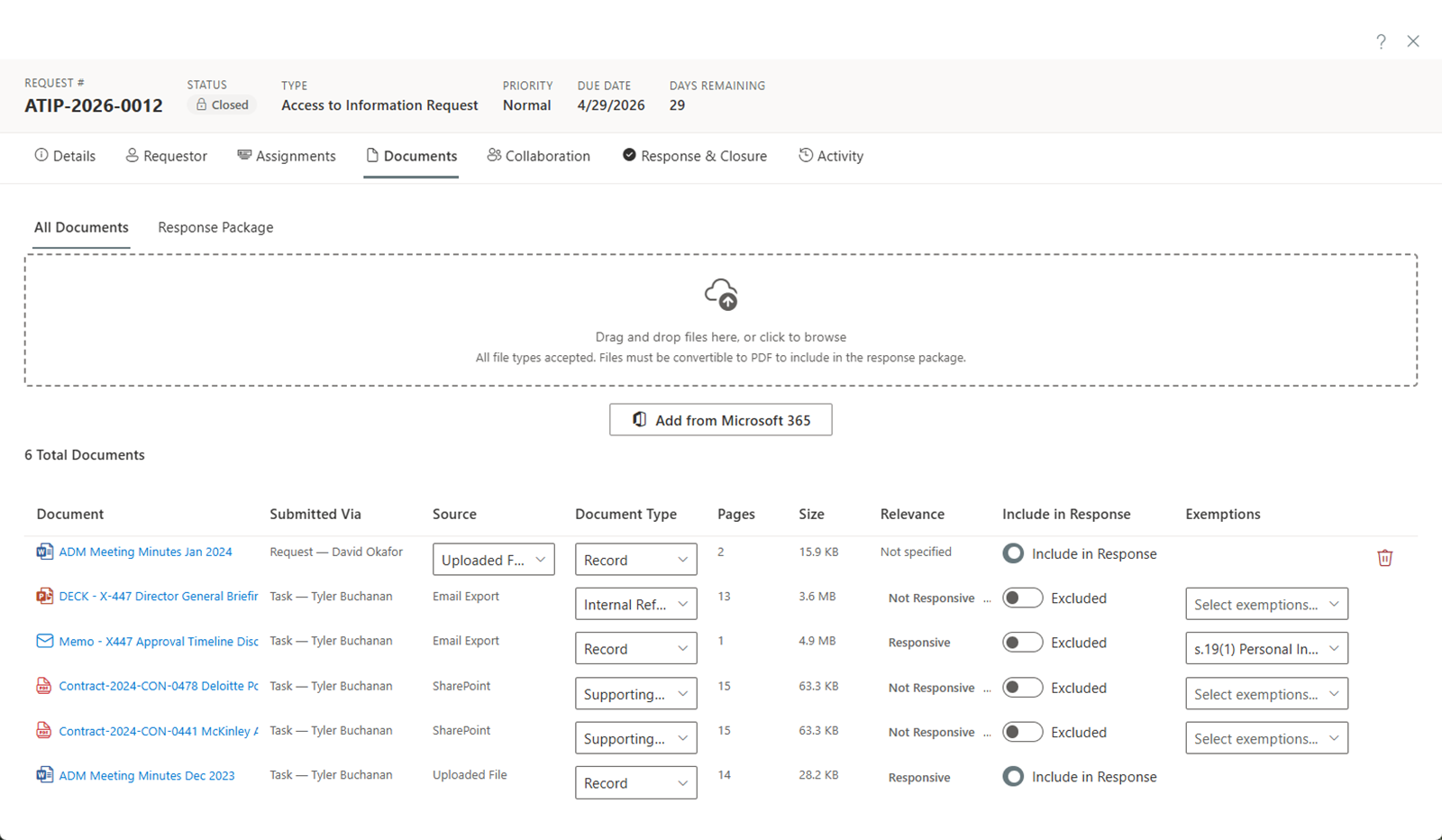
The structural difference
Your requests never leave your tenant
The records under FOI review are among the most sensitive your organization holds — that's why they're being reviewed. AccessPoint processes them inside your own Microsoft 365 and Azure environment, not a vendor's cloud.
Go deeper
FOI Request Management Questions
What does FOI request management software actually do?
How is AccessPoint different from other FOI software?
Can it handle our specific statute's deadlines and exemptions?
We track FOI requests in a spreadsheet today. When does software become worth it?
Does AI do the redaction and drafting?
Flat annual pricing, published in full. Every feature in every size — access requests, privacy impact assessments, breach response, complaints, video & audio redaction, and AI Assist. No per-user or per-module fees.
- Under 500 employees$2,990/yr
- 500–2,000 employees$7,990/yr
- Over 2,000 employees$14,990/yr
Run FOI Like It's 2026, Not 2006.
Try AccessPoint free for 30 days in your own Microsoft 365 tenant — configured for your jurisdiction from day one.